
Description
Product Description
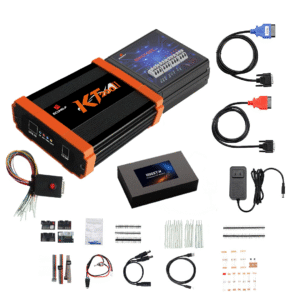
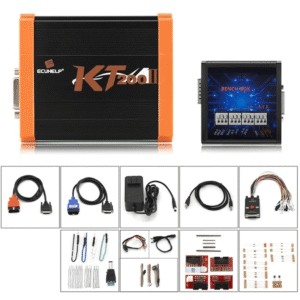
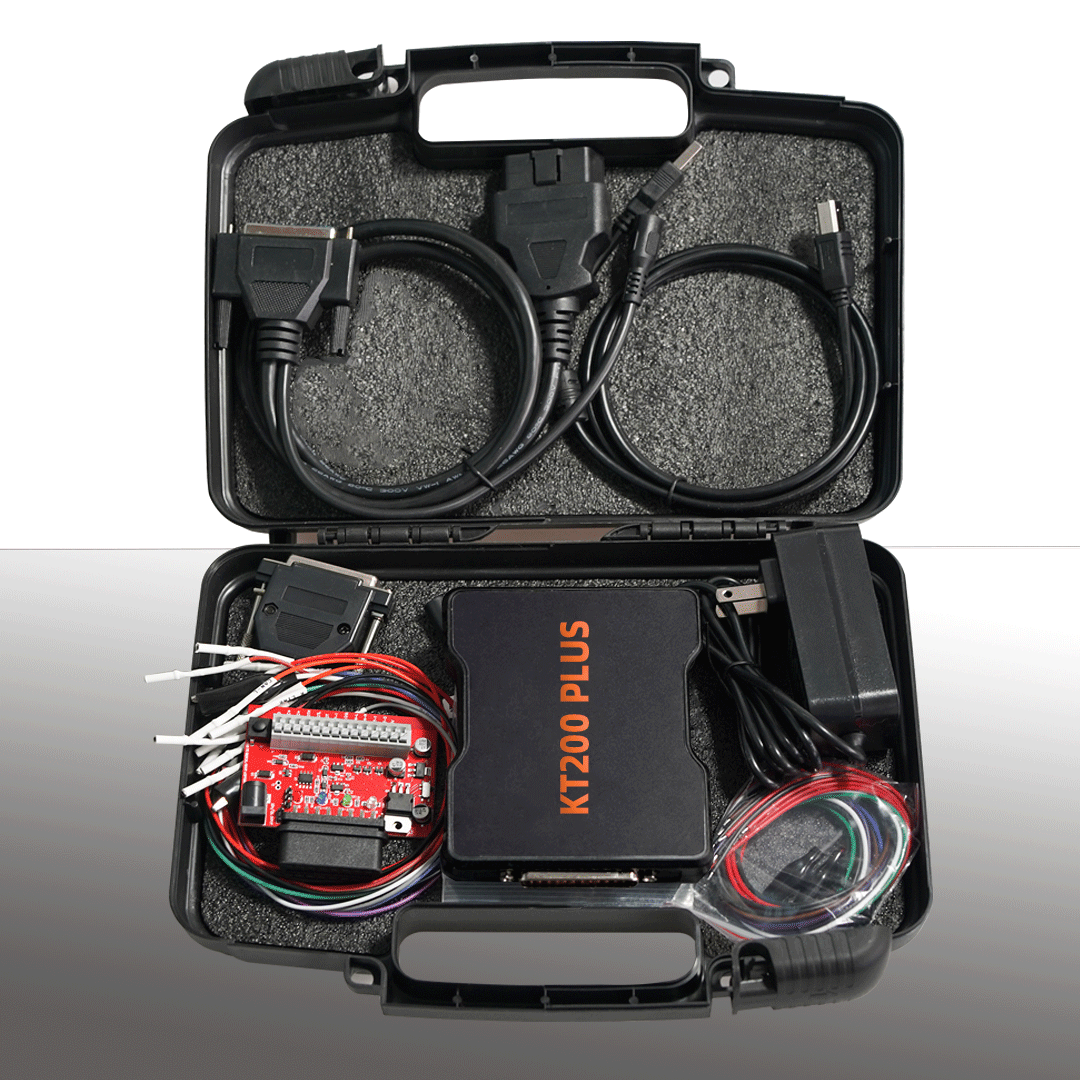
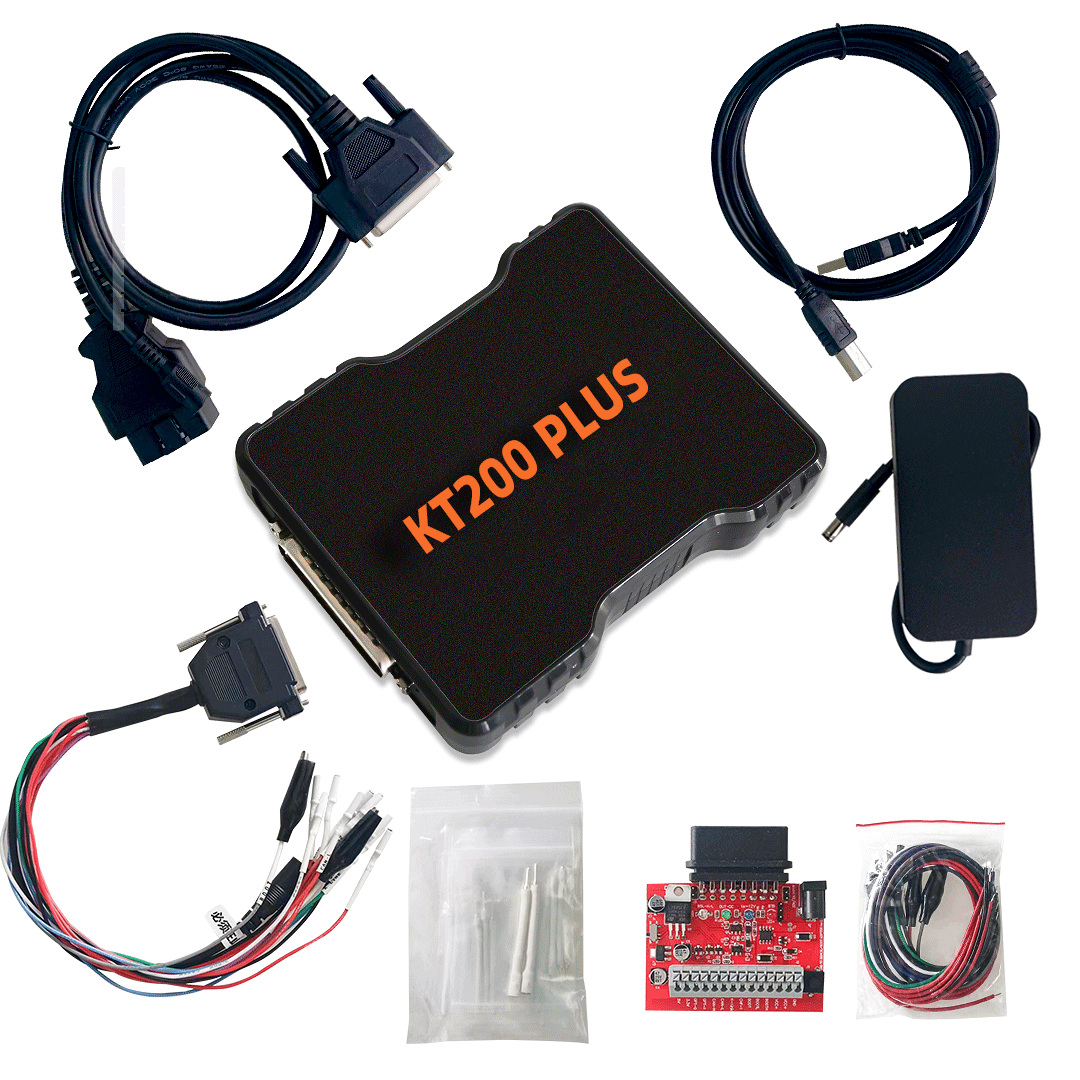
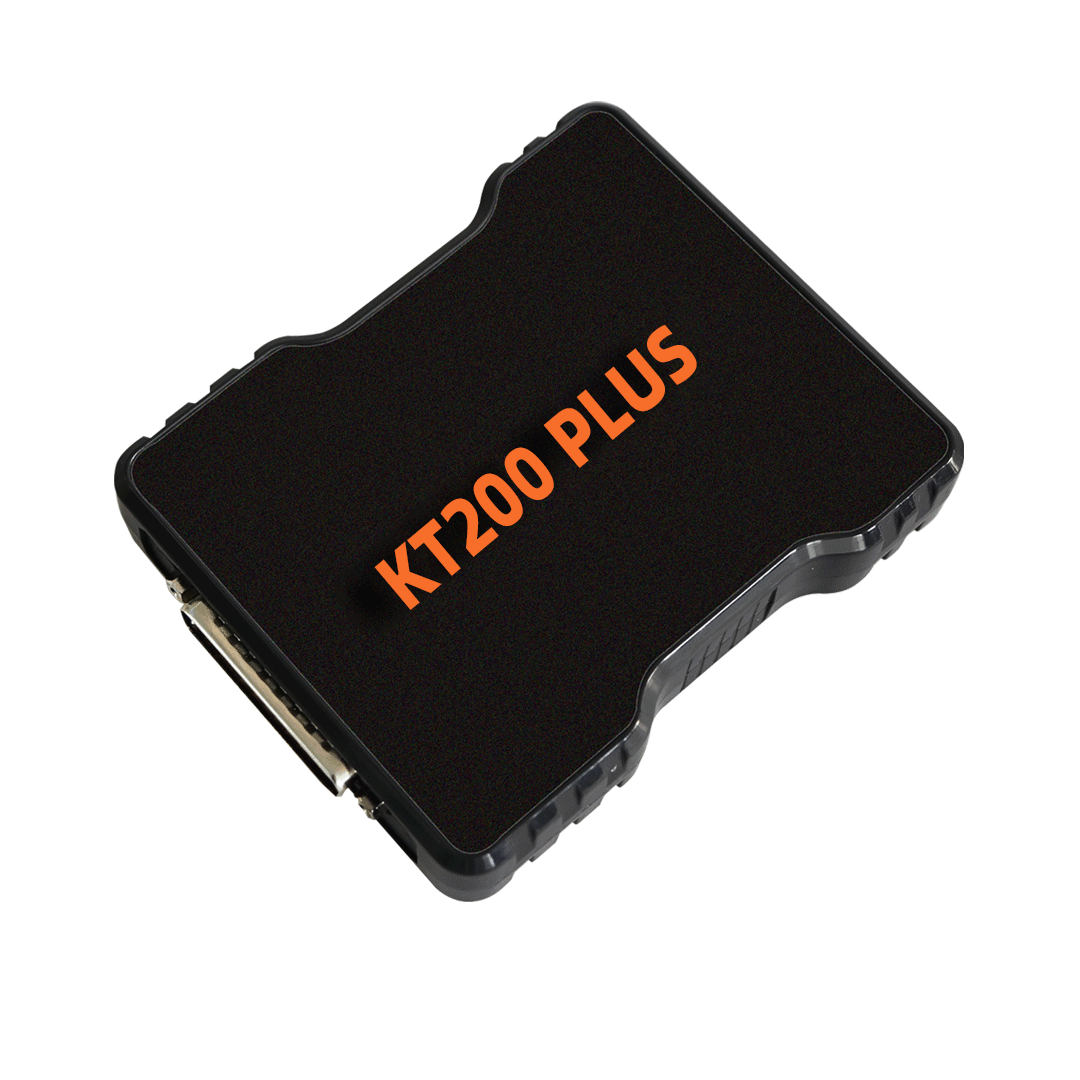
The KT200 Plus ECU Programmer is a professional ECU programming and ECU service tool developed for automotive ECU reading, writing, cloning and file service operations. It can be used independently and supports online software updates.
KT200 Plus is designed as an upgraded ECU programming solution with more read/write/clone protocols for KT200 and KT200II users. It supports OBD mode and Bench mode, and provides built-in ECU service functions such as DTC Off, IMMO Off, TPROT Off, file modification and automatic checksum correction.
Compared with traditional ECU programmers that only read and write ECU data, KT200 Plus focuses more on practical ECU service work. It combines ECU communication, file processing and service functions in one tool, making it suitable for ECU tuning workshops, automotive electronics repair shops and professional ECU technicians.
What is KT200 Plus?
KT200 Plus is a plug-in module ECU programmer designed to solve the limitations of earlier tools and provide continuous software function updates. It can work independently and does not need to rely on KT200II for all operations.
This means the KT200 Plus package includes both the hardware communication interface and access to KTflash software functions. Users can use it for supported ECU read/write, cloning and ECU service operations according to the activated protocols.
What is KTflash?
KTflash is the ECU programming software platform used with KT200 Plus. It provides ECU protocol access, read/write functions, clone support and ECU service operations for supported ECUs.
With KTflash, users can select supported ECU protocols, connect the ECU through OBD or Bench mode, read ECU data, write modified files, clone ECU data, and perform service functions such as DTC Off, IMMO Off and TPROT Off where supported.
KTflash is continuously updated online, which allows users to receive new protocols, improved functions and expanded ECU coverage over time.
How KT200 Plus Works with KTflash
The KT200 Plus package works as a complete ECU programming system:
KT200 Plus Hardware
Works as the J2534 communication interface between the computer and the vehicle ECU.
KTflash Software
Provides ECU protocols, read/write functions, clone operations and ECU service functions.
Activated Licenses
Allow the user to access supported KTflash functions. KT200 Plus includes activated licenses for one year.
In daily use, the technician connects KT200 Plus to the computer and the vehicle ECU, opens KTflash software, selects the correct ECU protocol, and performs the required read/write, clone or service operation.
Key Features
- Professional ECU programmer for automotive ECU service
- Works with KTflash software
- Includes J2534 hardware interface
- Includes activated KTflash licenses for one year
- Supports ECU read and write operations
- Supports ECU clone functions
- Supports OBD mode
- Supports Bench mode
- Built-in DTC Off function
- Built-in IMMO Off function
- Built-in TPROT Off function
- Supports ECU file modification
- Supports automatic checksum correction
- Adds more read/write/clone protocols for KT200 and KT200II users
- Supports online update
- Designed for professional ECU tuning and ECU repair work
Main Functions
KT200 Plus supports multiple ECU programming and service functions, including:
- ECU reading
- ECU writing
- ECU cloning
- ECU file modification
- DTC Off
- IMMO Off
- TPROT Off
- Automatic checksum correction
- OBD ECU programming
- Bench ECU programming
- ECU service operations through KTflash software
- Online software update
Supported Working Modes
OBD Mode
KT200 Plus supports ECU communication through the vehicle OBD diagnostic port on supported models. This mode is convenient for quick ECU read/write operations without removing the ECU from the vehicle.
Bench Mode
KT200 Plus also supports Bench mode. This allows users to connect directly to the ECU on the workbench for read/write and clone operations, depending on the supported ECU protocol.
Boot Mode
Boot mode is not currently supported in this version. It is planned to be added through future updates.
Denso Support
Denso-related support is planned for future updates. Please check the latest software update information before operation.
KT200 Plus vs KT200II
KT200 Plus and KT200II are different types of ECU tools. KT200II is a more complete ECU programmer with wider read/write coverage, while KT200 Plus focuses on KTflash-based ECU programming and built-in ECU service functions.
| Feature | KT200 Plus | KT200II |
|---|---|---|
| ECU Read/Write | Can read and write supported ECUs independently | Supports read/write for many ECUs in the market |
| Working Modes | OBD and Bench mode | Bench, OBD, Boot, BDM and JTAG modes |
| ECU Clone | Supported on selected protocols | Supported on many ECU protocols |
| ECU Service | Built-in file modification, DTC Off, IMMO Off, TPROT Off and checksum correction | Usually requires third-party software to edit ECU data |
| Software Platform | Works with KTflash | Works with KT200II software system |
| Online Update | Supported | Supported |
| Best For | Users who need KTflash, ECU service functions and practical OBD/Bench operations | Users who need wider ECU read/write mode coverage including Boot, BDM and JTAG |
KT200 Plus vs KTflash
KTflash is the software platform, while KT200 Plus is the complete hardware and software package.
KTflash mainly refers to the ECU programming software and licenses.
KT200 Plus includes:
- KTflash dongle function
- J2534 communication hardware
- One year of activated KTflash licenses
- ECU read/write/clone support
- Built-in ECU service functions
- Online update support
So, if a customer asks the difference, the simple explanation is:
KT200 Plus is the complete device package. KTflash is the software platform used inside this system.
Why Choose KT200 Plus?
KT200 Plus is a practical choice for users who need more than a normal ECU read/write tool. It combines ECU programming and ECU service functions, making it useful for real workshop operations.
The biggest advantage of KT200 Plus is that it provides KTflash software access, J2534 communication hardware, ECU read/write/clone functions and built-in file service functions in one package.
For technicians who need DTC Off, IMMO Off, TPROT Off, checksum correction and ECU cloning support, KT200 Plus provides a more complete solution compared with tools that only read and write ECU files.
Suitable For
KT200 Plus is suitable for:
- ECU tuning workshops
- Automotive electronics repair shops
- ECU cloning service providers
- Professional ECU programmers
- Car diagnostic and programming technicians
- Users who need KTflash software functions
- KT200 or KT200II users who want more protocols and service functions
- Workshops that need OBD and Bench ECU programming support
Important Notes
- KT200 Plus currently supports OBD mode and Bench mode.
- Boot mode is planned for future update.
- Denso support is planned for future update.
- Supported ECU protocols depend on the current KTflash software version and activated licenses.
- KT200 Plus includes activated KTflash licenses for one year.
- Always check the supported ECU list before operation.
- Professional ECU programming knowledge is recommended.
Summary
The KT200 Plus ECU Programmer is a KTflash-based ECU programming solution with J2534 hardware, activated licenses, ECU read/write/clone support and built-in ECU service functions.
It is especially suitable for users who need a practical ECU tool for OBD and Bench programming, as well as common ECU service functions such as DTC Off, IMMO Off, TPROT Off and automatic checksum correction.
For workshops looking for a complete KTflash-compatible ECU programmer, KT200 Plus is a strong and cost-effective choice.KT200 Plus ECU Programmer is a KTflash-based ECU programming tool with J2534 hardware and one-year activated licenses. It supports ECU read/write/clone, OBD and Bench mode, DTC Off, IMMO Off, TPROT Off, file modification and automatic checksum correction.