
ECU Cloning Guide: What to Check Before Programming a Replacement ECU
ECU cloning is a common service procedure when an original engine control unit needs to be replaced while the technician needs to preserve supported vehicle-specific data.
A successful ECU cloning operation is not simply a matter of reading one file from the original ECU and writing it into another controller. The original ECU and replacement ECU must first be identified, their hardware and software information should be compared, and the required memory areas must be determined according to the supported programming procedure.
This guide explains a professional ECU cloning workflow from initial identification to final verification.
What Is ECU Cloning?
ECU cloning is the process of transferring the required supported data from an original control unit to a compatible replacement control unit.
The purpose is to prepare the replacement ECU so that it contains the data required for the intended vehicle service operation.
Depending on the ECU architecture and programming protocol, cloning may involve one or more memory areas.
Possible data areas can include:
- Flash memory
- EEPROM
- Microcontroller data
- Configuration data
- Vehicle-specific information
- Other controller-specific memory areas
Not every ECU requires all of these areas to be transferred. The exact requirements depend on the control unit and supported cloning procedure.
Why ECU Identification Comes First
Before beginning an ECU cloning operation, both the original ECU and replacement ECU should be identified.
Record:
- Vehicle manufacturer
- Vehicle model
- Production year
- Engine type
- ECU manufacturer
- ECU part number
- Hardware number
- Software number
- Processor information
The physical label should also be photographed and stored with the job record.
Vehicle model information alone is not enough to confirm that two ECUs are suitable for cloning.
Original ECU vs Replacement ECU
| Information | Original ECU | Replacement ECU |
|---|---|---|
| Part Number | Record | Record |
| Hardware Number | Record | Record |
| Software Number | Record | Record |
| Processor | Identify when available | Identify when available |
| Current Data | Read and preserve when supported | Record before programming when possible |
| Programming Target | Source | Target |
Keeping these records separate prevents the original and replacement ECU files from being mixed during the programming process.
Check Hardware Compatibility
Hardware compatibility is one of the most important parts of ECU cloning.
Two ECUs may look almost identical while having different:
- Processors
- Memory configurations
- Hardware revisions
- Communication interfaces
- Software requirements
- Internal circuit configurations
Therefore, visual similarity should never be used as the main compatibility criterion.
Compare the original and replacement ECU identification information before transferring data.
Check Software Compatibility
Even when hardware numbers are similar, software compatibility should also be confirmed.
Record the original ECU software information and compare it with the replacement ECU.
Depending on the programming procedure, the replacement ECU may need to receive specific data from the original controller before it can be installed and tested in the vehicle.
Always follow the exact procedure provided for the selected ECU.
Create an Original ECU Backup
Before writing anything to the replacement ECU, create a backup of the original ECU whenever the supported programming method provides a Read operation.
Depending on the controller, this may include:
- Original Flash
- Original EEPROM
- Microcontroller data
- Other supported memory areas
Save each memory area separately when possible.
The original files should remain untouched. Create working copies when preparing data for the replacement ECU.
Do Not Assume One Read Is a Full Backup
A Read operation does not automatically mean that every memory area inside the ECU has been backed up.
One protocol may provide access to Flash memory while another may provide separate EEPROM or Micro operations.
Before starting a cloning operation, determine exactly what data has been read.
This is particularly important when the replacement procedure requires more than one memory area.
Physical Read and Virtual Read in ECU Cloning
Physical Read and Virtual Read serve different purposes.
A Physical Read obtains supported data directly from the connected ECU. A Virtual Read can provide matching software through a supported identification-based workflow.
A Virtual Read should not automatically be treated as a complete physical backup of the original ECU.
If the purpose is cloning, technicians should determine which data is actually required by the specific cloning procedure and whether the selected read method provides that data.
Determine Which Memory Areas Are Required
Before writing the replacement ECU, identify the memory areas required by the supported cloning operation.
For example, a particular ECU may require:
- Flash data only
- Flash and EEPROM data
- Specific Microcontroller data
- A dedicated Clone operation
- Several controller-specific memory areas
There is no universal cloning rule for every ECU.
Always follow the programming instructions for the exact ECU family.
ECU Cloning With OBD
Some supported ECU programming procedures allow cloning-related operations through the vehicle diagnostic connector.
OBD-based operations can be convenient because the ECU remains installed in the vehicle.
Before using OBD, verify:
- Exact ECU support
- Supported Read function
- Supported Write function
- Required vehicle voltage
- Ignition requirements
- Communication requirements
Do not assume that OBD Read and Write support automatically means that complete ECU cloning is supported.
ECU Cloning With Bench Mode
Bench programming provides a direct connection to the ECU outside the vehicle for supported control units.
A bench cloning setup may require:
- Power
- Ground
- Ignition or wake-up signal
- CAN-H
- CAN-L
- Additional connections when specified
The exact wiring must be confirmed from the programming diagram for the ECU.
Do not use the pinout from another ECU simply because the connectors look similar.
ECU Cloning With Boot or Advanced Modes
Some control units require a deeper programming method for supported cloning operations.
Depending on the ECU, the available method may include Boot, JTAG, BDM or another processor-level programming procedure.
These operations can require more detailed hardware connections and should only be performed when the exact ECU and processor are supported.
Always confirm the required adapter, connection points and programming sequence before opening or connecting the ECU.
Stable Power During ECU Cloning
Stable power is essential during both the Read and Write stages.
Before programming, check:
- Power supply voltage
- Power polarity
- Ground connection
- Ignition or wake-up signal
- Power cable condition
- Communication cable condition
During writing, avoid disconnecting power or communication cables.
The computer should also remain stable throughout the operation. Avoid automatic sleep, restart or software interruptions during programming.
Verify the Original Data Before Writing
After reading the original ECU, review the saved files before using them for cloning.
Check:
- File name
- File size
- Memory type
- Read method
- ECU identification
- Hardware information
- Software information
If the programming tool provides a verification function, use it according to the supported procedure.
Never overwrite the only copy of the original data.
Keep Original and Replacement ECU Files Separate
A simple folder structure can prevent many workshop mistakes.
- 01_Original_ECU
- 02_Original_Read
- 03_Replacement_ECU
- 04_Working_Files
- 05_Final_Files
- 06_Diagnostic_Reports
- 07_Programming_Records
Use clear filenames for every memory area.
For example:
- Original_ECU_FLASH.bin
- Original_ECU_EEPROM.bin
- Replacement_ECU_FLASH.bin
- Replacement_ECU_EEPROM.bin
- Final_Clone_File.bin
The exact file naming system can be adjusted to the workshop's workflow.
Checksum Verification
Some ECU programming operations require checksum verification or correction.
Checksum handling depends on the exact ECU, file and programming protocol.
A valid checksum does not automatically prove that the file is compatible with the replacement ECU.
Compatibility and checksum should therefore be checked as separate steps.
What If the Replacement ECU Has Different Software?
A replacement ECU with different software information should not automatically be programmed.
First determine whether the hardware is compatible and whether the programming procedure supports transferring the required data.
Compare:
- Hardware number
- Software number
- Processor
- Memory structure
- Vehicle application
If compatibility cannot be confirmed, stop the cloning operation and verify the correct procedure before writing.
What If the Original ECU Cannot Be Read?
If the original ECU cannot be read, do not immediately start writing random files to the replacement controller.
First determine why the original ECU cannot be read.
Check:
- ECU power
- Ground
- Communication
- Connector condition
- Selected protocol
- Programming mode
- ECU support
If another supported programming method is available, verify that method against the exact ECU before changing the connection.
If no reliable original data is available, the recovery or replacement strategy should be determined from verified ECU information rather than an unverified donor file.
Post-Cloning Verification
After programming the replacement ECU, the cloning process is not complete until the controller has been verified.
Reconnect to the replacement ECU and check:
- ECU communication
- ECU identification
- Hardware information
- Software information
- Diagnostic trouble codes
- Required coding
- Required adaptations
When the ECU is installed in the vehicle, perform the appropriate vehicle-level diagnostic and functional checks.
Compare Original and Replacement ECU Information
| Check | Before Cloning | After Cloning |
|---|---|---|
| ECU Communication | Confirmed on original | Confirm on replacement |
| Hardware Information | Recorded | Verify |
| Software Information | Recorded | Verify |
| Memory Data | Original backup saved | Programming result verified |
| Diagnostic Codes | Pre-service scan saved | Post-service scan completed |
| Vehicle Functions | Original condition recorded | Relevant functions tested |
Check Diagnostic Trouble Codes
Perform a diagnostic scan after installing the replacement ECU.
Compare the post-cloning scan with the original diagnostic record.
If new faults appear, investigate them before assuming that the cloning operation was successful.
Do not simply clear every diagnostic trouble code without determining its cause.
Check Required Adaptations and Coding
Some vehicles require additional coding, relearn or adaptation procedures after ECU replacement.
Depending on the vehicle, this may involve:
- Throttle adaptation
- Injector-related procedures
- Transmission communication checks
- Vehicle configuration
- Module synchronization
- Other manufacturer-specific procedures
The exact procedure depends on the vehicle and control system.
Common ECU Cloning Mistakes
Using Only the Vehicle Model to Select a Donor ECU
The same vehicle model can use different ECU hardware and software configurations.
Skipping the Original Backup
Without a verified original backup, recovery and comparison become much more difficult.
Assuming One Flash File Is Enough
Some cloning procedures require additional memory areas. Always check the exact protocol requirements.
Mixing Original and Donor Files
Keep the original ECU and replacement ECU files in separate folders.
Ignoring Hardware Differences
Similar housings or connectors do not prove hardware compatibility.
Writing Before Confirming the Target ECU
Verify the replacement ECU before starting the Write operation.
Ignoring Post-Cloning Diagnostics
A completed Write operation is only one part of the complete ECU replacement process.
Professional ECU Cloning Workflow
- Record complete vehicle information
- Identify the original ECU
- Photograph the original ECU label
- Record hardware and software information
- Identify the replacement ECU
- Compare hardware and software information
- Confirm supported cloning procedure
- Select the correct programming mode
- Review the wiring diagram
- Prepare stable power and communication
- Read the original ECU when supported
- Save and protect the original files
- Identify all memory areas required for cloning
- Prepare working copies
- Verify file compatibility
- Check checksum requirements
- Write the required data to the replacement ECU
- Verify ECU communication
- Check ECU identification
- Install the replacement ECU when appropriate
- Perform a diagnostic scan
- Complete required coding or adaptations
- Test relevant vehicle functions
- Save the final programming record
KT200II for Supported ECU Cloning Applications
Professional ECU programming equipment can provide supported ECU cloning functions through different programming modes depending on the control unit.
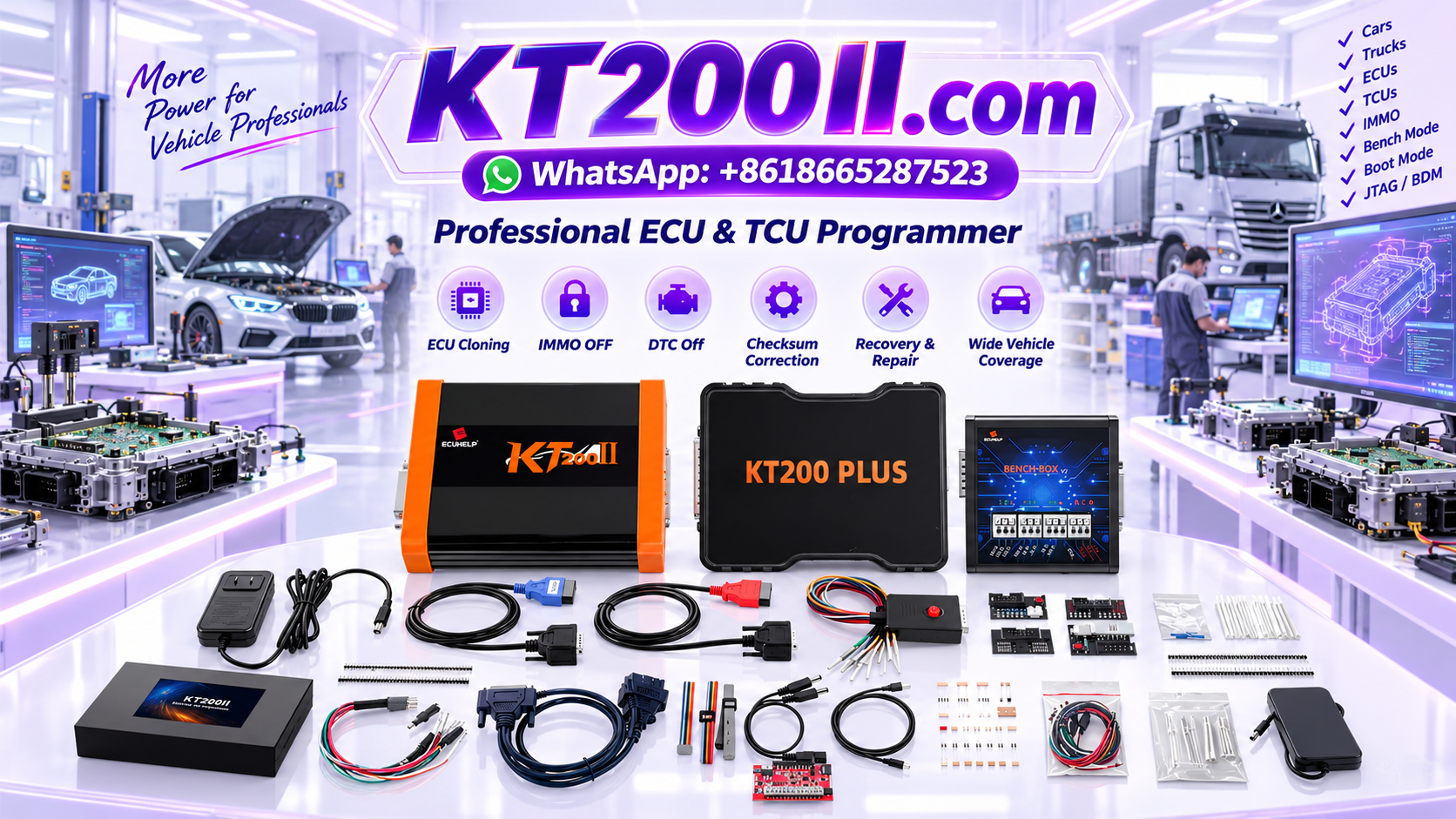
The KT200II ECU Programmer provides ECU and TCU programming capabilities for supported applications and includes multiple programming environments such as OBD, Bench and deeper programming methods for selected controllers.
Before beginning an ECU cloning job, technicians should search the current supported ECU information and confirm the exact hardware, software and available cloning operation.
For additional technical assistance, visit the AutoEcuMaster ECU Support Center.
ECU Cloning Checklist
- Original ECU identified
- Replacement ECU identified
- Part numbers recorded
- Hardware numbers compared
- Software information recorded
- Processor information checked when required
- Cloning support confirmed
- Correct programming mode confirmed
- Wiring diagram verified
- Stable power prepared
- Original data backed up
- Memory areas identified
- Original files protected
- Working files separated
- Target ECU verified
- Checksum requirements checked
- Programming completed
- ECU communication verified
- Post-programming identification checked
- Diagnostic scan completed
- Required adaptations completed
- Vehicle functions tested
- Final programming record saved
Frequently Asked Questions
Can any used ECU be used as a donor?
No. The donor ECU should be compatible with the intended vehicle and supported cloning procedure. Hardware, processor, software and memory configuration should be verified first.
Does ECU cloning always require Flash and EEPROM?
No. Requirements vary by ECU. Some procedures may require one memory area while others require multiple areas.
Is a Virtual Read enough for ECU cloning?
Not automatically. A Virtual Read can provide matching software through a supported workflow, but it should not automatically be considered a complete physical backup for cloning.
Should the original ECU remain untouched after reading?
Yes. When possible, preserve the original ECU and its original data until the replacement ECU has been successfully programmed and verified.
What should I do if the cloned ECU does not communicate?
Check power, ground, communication, ECU identification, selected protocol and programming result. Do not repeatedly write unknown files before determining the cause.
Conclusion
ECU cloning is a structured programming process that requires accurate identification, reliable data backup and careful verification.
The most important rule is to identify both the original and replacement ECU before transferring any data. Hardware numbers, software information, processor details and supported memory operations should all be considered together.
Always preserve the original data, keep working files separate and confirm the exact cloning procedure for the ECU being serviced. After programming, verify ECU communication, identification, diagnostic status, required adaptations and relevant vehicle functions.
A disciplined ECU cloning workflow reduces file-selection errors, protects original data and gives technicians a clear process for handling supported ECU replacement and programming jobs.
Professional and authorized use notice: ECU reading, writing, cloning, replacement and recovery should only be performed by trained technicians for lawful and authorized vehicle service. Available functions depend on the exact ECU, processor, hardware revision, software version and supported programming protocol.




