
ECU Communication Troubleshooting: How to Find the Cause Before Programming
ECU communication is the first requirement for most electronic control unit programming operations. If the programming tool cannot identify the ECU, reading or writing should not begin until the communication problem has been investigated.
An ECU that does not communicate does not necessarily indicate a problem with the ECU itself. Incorrect power, ground, CAN wiring, ignition signals, adapter selection, software settings or programming mode can all affect communication.
This guide provides a systematic ECU communication troubleshooting process for automotive technicians and ECU specialists.
Why ECU Communication Problems Occur
Communication between a programming tool and an ECU depends on several components working together.
A typical communication chain includes:
- Computer
- Programming software
- Programming interface
- Adapter or cable
- Power supply
- ECU ground
- Communication lines
- ECU hardware
- Correct programming protocol
A failure in any part of this chain can result in ECU identification failure.
For this reason, technicians should troubleshoot the complete setup instead of immediately assuming that the ECU is damaged.
Step 1: Confirm the Exact ECU
Before checking the wiring, identify the physical ECU correctly.
Record the information available on the ECU label, including:
- ECU manufacturer
- Part number
- Hardware number
- Software number
- Processor information when available
- Vehicle application
The same vehicle model can use different ECU versions. Selecting a protocol based only on the vehicle model can therefore result in an incorrect programming selection.
Always compare the physical ECU information with the supported ECU information in the programming software.
Step 2: Check the Power Supply
Power should be one of the first items checked when an ECU cannot communicate.
Confirm:
- Correct supply voltage
- Correct polarity
- Stable voltage
- Secure power connection
- Suitable power supply capacity
An ECU may appear to have power while still experiencing an unstable supply condition.
During programming, voltage should remain stable. Avoid using an unsuitable power source that cannot maintain the required voltage when the ECU changes its operating state.
Step 3: Check Ground Connection
A reliable ground connection is essential for ECU communication.
Check that the ground wire is connected to the correct ECU ground point and that the connection is secure.
Inspect the terminal and cable for:
- Loose connections
- Damaged terminals
- Corrosion
- Broken wires
- Poor contact
If the ECU has stable power but communication remains unavailable, ground should be verified before changing other programming settings.
Step 4: Check the Ignition or Wake-Up Signal
Some ECUs require an ignition or wake-up signal before they enter the communication state required by the programming procedure.
This can be especially important during bench programming because the ECU is outside the vehicle and cannot automatically receive every signal normally provided by the vehicle.
If the exact ECU procedure requires an ignition signal, verify that the signal is connected correctly before attempting communication again.
Do not apply an assumed ignition connection. Follow the wiring information for the exact ECU.
Step 5: Check CAN-H and CAN-L
When the selected programming procedure uses CAN communication, verify both CAN-H and CAN-L connections.
Check:
- Correct connector
- Correct pin number
- CAN-H connection
- CAN-L connection
- Cable continuity
- Adapter connection
CAN-H and CAN-L should be connected according to the exact ECU pinout.
Do not assume that two ECUs with similar connectors use identical CAN pin locations.
Step 6: Inspect the Programming Cable
The programming cable is another common source of communication problems.
Inspect the cable and connectors for visible damage and verify that the correct adapter is being used.
Check:
- USB connection
- Programming interface connection
- Adapter connector
- ECU connector
- Communication cable
- Loose or damaged terminals
If possible, use a known-good compatible cable or adapter to eliminate the cable as a possible cause.
Step 7: Confirm the Programming Mode
Modern ECU programming tools may provide several programming modes.
Depending on the ECU, available modes can include:
- OBD
- Bench
- Boot
- BDM
- JTAG
The correct mode depends on the ECU and supported protocol.
If the ECU is being programmed on a workbench, do not automatically select Boot simply because the ECU is outside the vehicle. A supported ECU may require Bench mode instead.
Likewise, the availability of a particular mode depends on the selected ECU protocol and software.
Step 8: Verify the ECU Protocol
Select the programming protocol that corresponds to the exact ECU.
Do not select a protocol based only on:
- Vehicle brand
- Vehicle model
- Engine displacement
- ECU housing appearance
- Connector appearance
Instead, compare the ECU manufacturer, hardware number, software information and processor details when available.
An incorrect protocol can result in no communication even when the physical wiring is correct.
Step 9: Check Whether the ECU Is Actually Supported
If all physical connections appear correct but the ECU still cannot be identified, verify that the exact ECU is supported by the current software.
Check the available:
- Vehicle application
- ECU family
- Hardware version
- Software version
- Programming mode
- Read function
- Write function
Support for one ECU version does not automatically mean that every hardware or software revision of that ECU is supported.
Step 10: Check the ECU Connector
ECU connectors should be inspected carefully, especially when communication fails unexpectedly.
Look for:
- Bent pins
- Damaged terminals
- Corrosion
- Contamination
- Loose connector locking
- Broken wires
A single poor connection can prevent communication even when the rest of the wiring is correct.
Step 11: Check the Bench Setup
When working in Bench mode, make sure the ECU is placed securely and all required connections are separated clearly.
A basic bench setup should be easy to inspect.
Keep power, ground and communication connections organized so that individual wires can be checked without disturbing the rest of the setup.
A clearly organized bench reduces the possibility of accidentally disconnecting a communication line during troubleshooting.
Step 12: Check the Computer and Software
Communication problems are not always caused by the ECU or wiring.
Check the computer and programming software as well.
Verify:
- Programming software installation
- Correct software version
- Programming interface recognition
- USB connection
- Required drivers
- Software error messages
- Correct ECU selection
If the programming interface is not recognized by the computer, ECU communication troubleshooting should begin with the computer and interface rather than the ECU.
Do Not Change Multiple Variables at Once
One of the most common troubleshooting mistakes is changing several settings and connections simultaneously.
For example, changing the ECU protocol, programming mode, CAN wiring and power supply at the same time makes it difficult to determine which change solved the problem.
A better approach is to check one item at a time.
- Confirm ECU identification
- Confirm ECU support
- Check power
- Check ground
- Check ignition or wake-up
- Check communication wiring
- Check programming cable
- Confirm programming mode
- Confirm protocol
- Test communication again
ECU Has Power but Cannot Communicate
An ECU that powers on is not necessarily ready for programming communication.
If the ECU has power but cannot be detected, check the following in order:
- Ground
- Ignition or wake-up signal
- CAN-H
- CAN-L
- Connector pins
- Programming mode
- ECU protocol
- Programming interface
- Software support
This approach can help separate an electrical connection problem from a software or protocol selection problem.
ECU Communication Through OBD
When using OBD programming, the vehicle itself provides the communication path between the programming tool and the ECU.
If OBD communication fails, check:
- OBD connector condition
- Vehicle battery voltage
- Ignition status
- Diagnostic communication
- Programming interface
- Selected ECU protocol
- Vehicle network condition
If the ECU communicates normally with a diagnostic tool but cannot communicate with the programming software, the problem may be related to the programming interface, protocol or software configuration.
ECU Communication Through Bench Mode
Bench programming provides a direct connection to a supported ECU outside the vehicle.
This means that the technician becomes responsible for providing the required power and communication connections.
When Bench communication fails, carefully compare every connection with the exact programming diagram.
Do not use a wiring diagram from a similar ECU unless it has been confirmed to apply to the exact controller.
When Boot Mode Is Required
Some supported ECUs require Boot mode or another advanced programming method.
Boot programming can involve additional connection requirements compared with normal OBD or Bench communication.
If a supported ECU procedure specifies Boot mode, follow the exact connection and programming sequence provided for that controller.
Do not switch to an advanced programming mode simply because a normal communication attempt has failed. First determine whether that mode is actually supported and required.
When Communication Works but Reading Fails
ECU identification and ECU data reading are not always the same operation.
A programming tool may successfully identify an ECU while a particular Read function is unavailable.
If identification works but Read fails, check:
- Selected memory area
- Selected programming function
- Supported ECU operation
- Software version
- Required programming mode
- Connection stability
Do not assume that successful identification means every programming function is supported.
When Reading Works but Writing Fails
If the ECU can be read successfully but writing fails, the troubleshooting process should focus on the Write operation and the selected file.
Check:
- Correct target ECU
- File compatibility
- File size
- Memory area
- Checksum requirements
- Programming mode
- Power stability
- Communication stability
Always preserve the original ECU data before investigating a failed Write operation.
Save Error Messages
Error messages can provide important information when troubleshooting an ECU programming session.
Instead of immediately closing the software, record or photograph the error message.
Also record:
- ECU identification
- Selected protocol
- Programming mode
- Selected operation
- File name
- Programming stage
This information can make technical troubleshooting much more efficient.
Use a Repeatable Communication Test
A workshop can benefit from using the same communication test procedure for every ECU job.
A basic test can include:
- Identify the ECU
- Confirm the supported protocol
- Confirm the wiring
- Apply stable power
- Connect the programming interface
- Select the correct ECU
- Attempt ECU identification
- Record the result
If identification succeeds, continue to the intended Read or Write operation.
ECU Communication Troubleshooting Checklist
- ECU part number confirmed
- Hardware number confirmed
- Software information checked
- ECU support confirmed
- Power polarity checked
- Power voltage checked
- Ground connection checked
- Ignition signal checked
- CAN-H checked
- CAN-L checked
- Connector pins inspected
- Programming cable checked
- Adapter checked
- Computer connection checked
- Software recognized the programming interface
- Correct programming mode selected
- Correct ECU protocol selected
- ECU identification tested
- Error messages recorded
- Original data protected before programming
KT200II for Supported ECU Programming
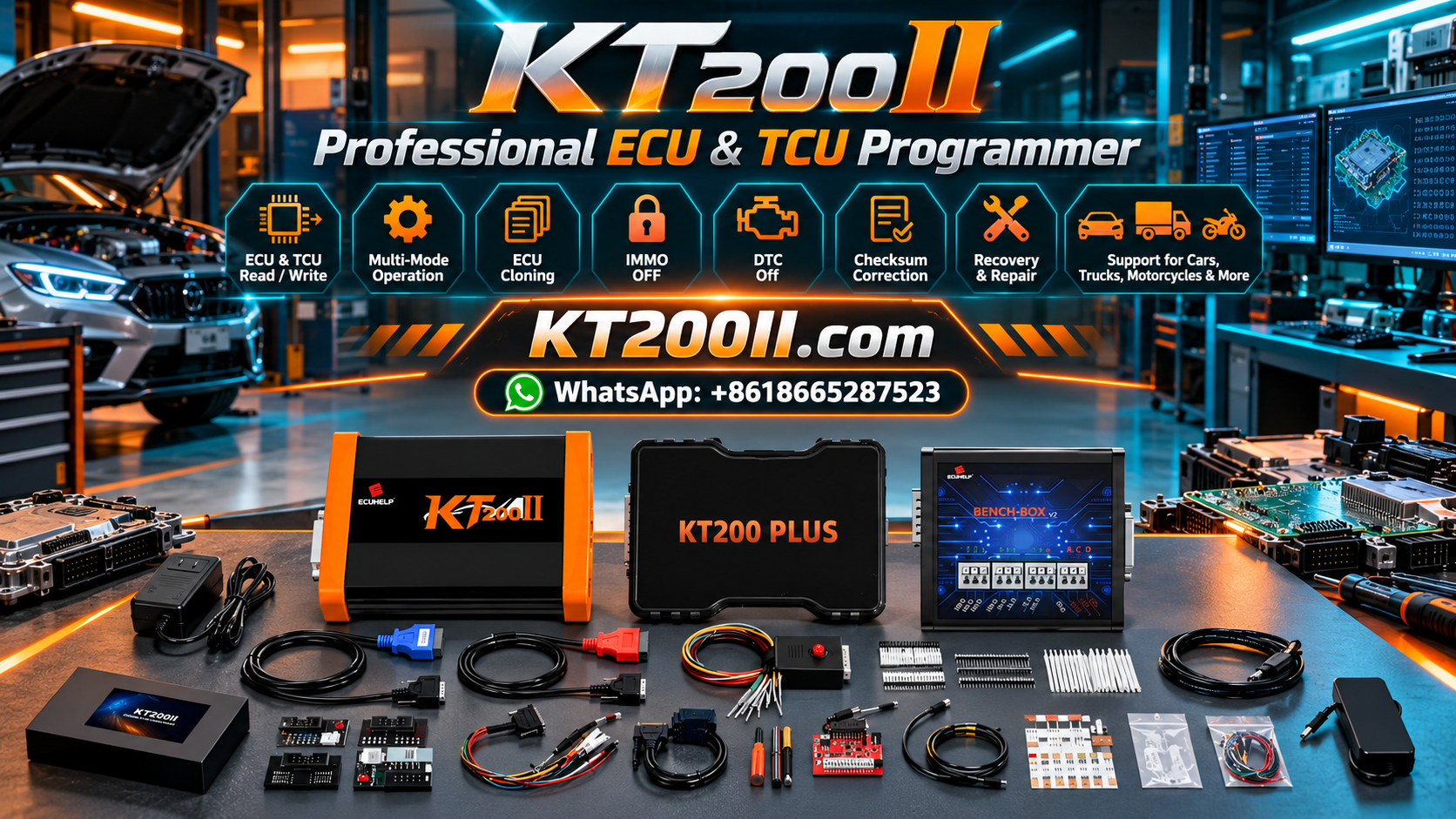
KT200II is a professional ECU and TCU programming solution designed for supported automotive control units and multiple programming environments.
Depending on the exact ECU, supported operations can include ECU identification, reading, writing and other programming functions through available OBD, Bench, Boot and advanced programming modes.
Before starting a programming operation, technicians should verify the exact ECU and available function in the current support information.
Visit the KT200II ECU Programmer page to review the product information and supported programming workflow.
For ECU compatibility, wiring and programming assistance, the AutoEcuMaster Support Center provides additional technical resources.
Frequently Asked Questions
Why does my ECU have power but cannot be detected?
Power alone does not guarantee communication. Check ground, ignition or wake-up signals, CAN-H, CAN-L, connector pins, programming mode, protocol and ECU support.
Should I change the ECU programming mode if communication fails?
Not automatically. First confirm which programming mode is supported for the exact ECU. A communication failure does not necessarily mean that an advanced mode is required.
Can a wrong CAN connection prevent ECU communication?
Yes. When the selected procedure uses CAN communication, incorrect CAN-H or CAN-L connections can prevent communication.
Why can the tool identify the ECU but not read it?
ECU identification and memory Read functions can have different support requirements. Check the exact ECU protocol, memory area and available Read function.
What should I do before retrying after a communication failure?
Record the error, preserve the original ECU data when available, and systematically verify power, ground, wiring, programming interface, protocol and software settings.
Conclusion
ECU communication troubleshooting should be systematic rather than based on repeated trial and error.
When an ECU cannot be identified, begin with the physical controller and verify its part number, hardware and software information. Then check power, ground, ignition signals, CAN-H, CAN-L, connectors and programming cables.
After the physical setup has been confirmed, verify the programming mode, ECU protocol and software support. If communication succeeds but a specific programming operation fails, investigate that operation separately instead of assuming that the entire communication system is defective.
A consistent troubleshooting workflow helps technicians identify communication problems faster, protect original ECU data and reduce unnecessary changes during professional ECU programming work.
Professional and authorized use notice: ECU programming and electronic control unit service should only be performed by trained technicians for lawful and authorized repair purposes. Available functions depend on the exact ECU, hardware configuration, software version and supported programming protocol.




