
TCU Programming Guide: How to Prepare, Read, Write and Verify a Transmission Control Module
Transmission control modules are an important part of modern vehicle electronic systems. The TCU manages transmission-related software, communication and control functions, making accurate programming procedures essential when a module requires replacement, repair, cloning or software-related service.
TCU programming requires more than connecting a programming tool and selecting a transmission model. Technicians should first identify the exact control module, confirm compatibility, select the appropriate programming method, protect the original data and verify the result after writing.
What Is TCU Programming?
TCU programming is the process of reading, writing, transferring or restoring supported data in a transmission control module.
Depending on the vehicle and TCU, programming work may be required for:
- Transmission control module replacement
- TCU cloning
- Software restoration
- Module repair
- Supported software updates
- Data backup
- Programming recovery
The exact operation depends on the transmission system, TCU hardware, software and supported programming procedure.
Why Correct TCU Identification Is Important
The same vehicle model can use different transmission systems and different control modules. A vehicle model alone is therefore not always enough to determine the correct programming procedure.
Before starting a TCU programming job, technicians should record:
- Vehicle manufacturer
- Vehicle model
- Production year
- Engine information
- Transmission type
- TCU manufacturer
- TCU part number
- Hardware number
- Software number
- Processor information when available
This information can be used to confirm whether the selected programming method and file are appropriate for the exact control module.
Check the TCU Label Before Programming
The TCU label is one of the most useful sources of identification information.
Before disconnecting the module, take a clear photograph of the complete label. Record every relevant number instead of relying on only one part number.
The label may contain:
- Manufacturer information
- Part number
- Hardware reference
- Software reference
- Serial number
- Production code
Not every number printed on the label represents the actual TCU software or hardware version, so the information should be interpreted carefully.
Check the TCU Support Information
After identifying the TCU, compare the module information with the programming tool's current support information.
Check:
- Exact TCU family
- Vehicle application
- Hardware version
- Software version
- Available programming functions
- Required connection method
Do not select a protocol simply because another TCU from the same vehicle manufacturer looks similar.
Different transmission control modules may use different processors, memory layouts and communication procedures.
OBD, Bench and Other TCU Programming Methods
TCU programming methods depend on the exact control module.
Common access methods can include:
- OBD
- Bench
- Boot
- JTAG
- BDM
OBD programming uses the vehicle diagnostic connection when the specific TCU supports the required operation.
Bench programming connects directly to the control module outside the vehicle and can provide a more direct programming environment for supported TCUs.
Boot, JTAG and BDM methods can provide deeper access on selected control modules when the corresponding protocol is supported.
The correct method should always be determined from the exact TCU and supported programming procedure.
TCU Programming Through OBD
OBD programming can be convenient because the TCU may remain installed in the vehicle.
Before starting an OBD operation, technicians should check:
- Vehicle battery condition
- Stable power supply
- Diagnostic connector condition
- Ignition status
- Programming tool connection
- USB connection
- Supported TCU protocol
OBD support does not automatically mean that every TCU memory area can be physically read or written. The available functions depend on the exact protocol.
TCU Bench Programming
Bench programming connects directly to the TCU instead of using the vehicle diagnostic socket.
A typical Bench setup may require:
- Permanent power
- Ground
- Ignition or wake-up supply
- CAN High
- CAN Low
- Other communication lines when specified
Every connection should be checked against the exact wiring diagram for the TCU.
A TCU can receive power while still failing to communicate if an ignition, wake-up, ground or communication connection is missing.
Prepare Stable Power Before TCU Programming
Stable electrical power is essential during TCU reading and writing.
Before programming, check:
- Power supply output
- Ground connection
- Power cable condition
- Connector condition
- Voltage stability
- Current behavior
During a writing operation, avoid disconnecting power or communication cables.
A laptop should also remain connected to stable power, and automatic sleep or restart functions should be disabled during long programming operations.
Create an Original TCU Backup
Whenever the supported programming procedure allows original data to be read, save the original data before making changes.
The original backup should be stored separately from modified files.
Useful records can include:
- Original Flash
- EEPROM when supported
- Microcontroller data when supported
- Full backup when available
- TCU identification
- Hardware information
- Software information
Not every TCU provides all of these memory operations. Save every relevant area that is available through the supported procedure.
Do Not Assume a Read Is a Full Backup
The word Read does not always mean that every memory area has been copied.
One programming protocol may provide access to a specific memory area, while another may provide separate operations for Flash, EEPROM or other data.
Before considering a backup complete, check exactly what memory area the selected operation has read.
How to Select a TCU Programming File
The programming file should be matched to the exact TCU application.
Before writing a file, verify:
- Vehicle application
- TCU manufacturer
- Part number
- Hardware number
- Software number
- Processor information when required
- Memory area
- File size
- File format
- Checksum requirements
A file with the same size as the original does not automatically mean that it is compatible with the TCU.
TCU Cloning
TCU cloning involves transferring the required supported data from an original control module to a replacement module.
Before starting a cloning operation, technicians should identify both modules.
| Original TCU | Replacement TCU |
|---|---|
| Manufacturer | Manufacturer |
| Part number | Part number |
| Hardware number | Hardware number |
| Software number | Software number |
| Processor | Processor |
| Original backup | Programming target |
A visually similar replacement TCU should not automatically be considered compatible.
The exact cloning requirements depend on the control module and the supported programming procedure.
TCU Programming and Checksum
Some TCU programming operations require checksum verification or correction.
Checksum integrity and TCU compatibility are separate issues.
A file can have a valid checksum while still being unsuitable for a particular TCU. Technicians should therefore confirm both the file compatibility and the checksum requirements before writing.
Save TCU Identification Before Writing
Before changing any TCU data, save the available identification information.
This can include:
- TCU identification screen
- Hardware number
- Software number
- Part number
- Processor information
- Original diagnostic information
This information can become valuable if the programming operation is interrupted or the module requires recovery.
What to Do If TCU Programming Fails
If a TCU writing operation stops unexpectedly, technicians should not immediately select another protocol and repeat the Write operation.
First record the exact failure condition.
Check:
- Error message
- Programming progress percentage
- Power supply condition
- Communication connection
- USB connection
- Selected protocol
- File being written
- Original backup
After collecting the information, determine whether the TCU still communicates through the original supported method.
If another programming method is required, confirm that the exact TCU and processor support that method before changing the connection.
Common TCU Programming Mistakes
Choosing the TCU Only by Vehicle Model
A vehicle model can contain multiple transmission systems and control module versions. Always verify the actual TCU.
Skipping the Original Backup
Without an original backup, recovery and comparison can become more difficult.
Using an Unverified File
A file from a similar TCU is not automatically suitable for the target module.
Ignoring the Wiring Diagram
Bench and Boot programming require exact connections. Never assume that two similar TCUs use identical pinouts.
Disconnecting Power During Writing
Power interruptions during programming can leave the control module in an incomplete state.
Repeating a Failed Write Without Diagnosis
If the original cause of the failure has not been identified, repeating the same operation can make troubleshooting more difficult.
TCU Programming Verification After Writing
After the writing operation has finished, the programming job should not be considered complete immediately.
Perform a post-programming verification.
Check:
- TCU communication
- TCU identification
- Hardware information
- Software information
- Diagnostic trouble codes
- Required coding
- Required adaptations
- Communication with other vehicle modules
- Relevant transmission functions
Any required adaptation or relearn procedure should be completed according to the applicable vehicle service requirements.
Check Diagnostic Trouble Codes
Perform a diagnostic scan after programming.
Do not automatically assume that every DTC appearing after programming was caused by the programming operation.
Compare the post-programming diagnostic result with the condition recorded before programming.
If a new active fault appears, diagnose the underlying cause instead of repeatedly clearing the code.
Test Transmission Functions
The final verification should include the functions related to the TCU service.
Depending on the vehicle, technicians may need to verify:
- TCU communication
- Gear selection
- Transmission warning indicators
- Relevant sensor information
- Communication with the engine ECU
- Required adaptation status
- Transmission operation under appropriate test conditions
The exact test procedure should follow the vehicle manufacturer's service requirements.
Professional TCU Programming Workflow
- Record complete vehicle information
- Identify the transmission system
- Photograph the TCU label
- Record TCU hardware and software information
- Check programming support
- Select the correct programming method
- Review the complete wiring diagram
- Prepare stable power and communication
- Read and save the original data when supported
- Verify the programming file
- Check checksum requirements
- Perform the TCU writing operation
- Save the programming record
- Reconnect and identify the TCU
- Perform a diagnostic scan
- Complete required adaptations
- Verify relevant transmission functions
- Save the final result
KT200II for Supported TCU Programming Applications
Professional ECU programming equipment can also provide TCU programming functions for supported transmission control modules.
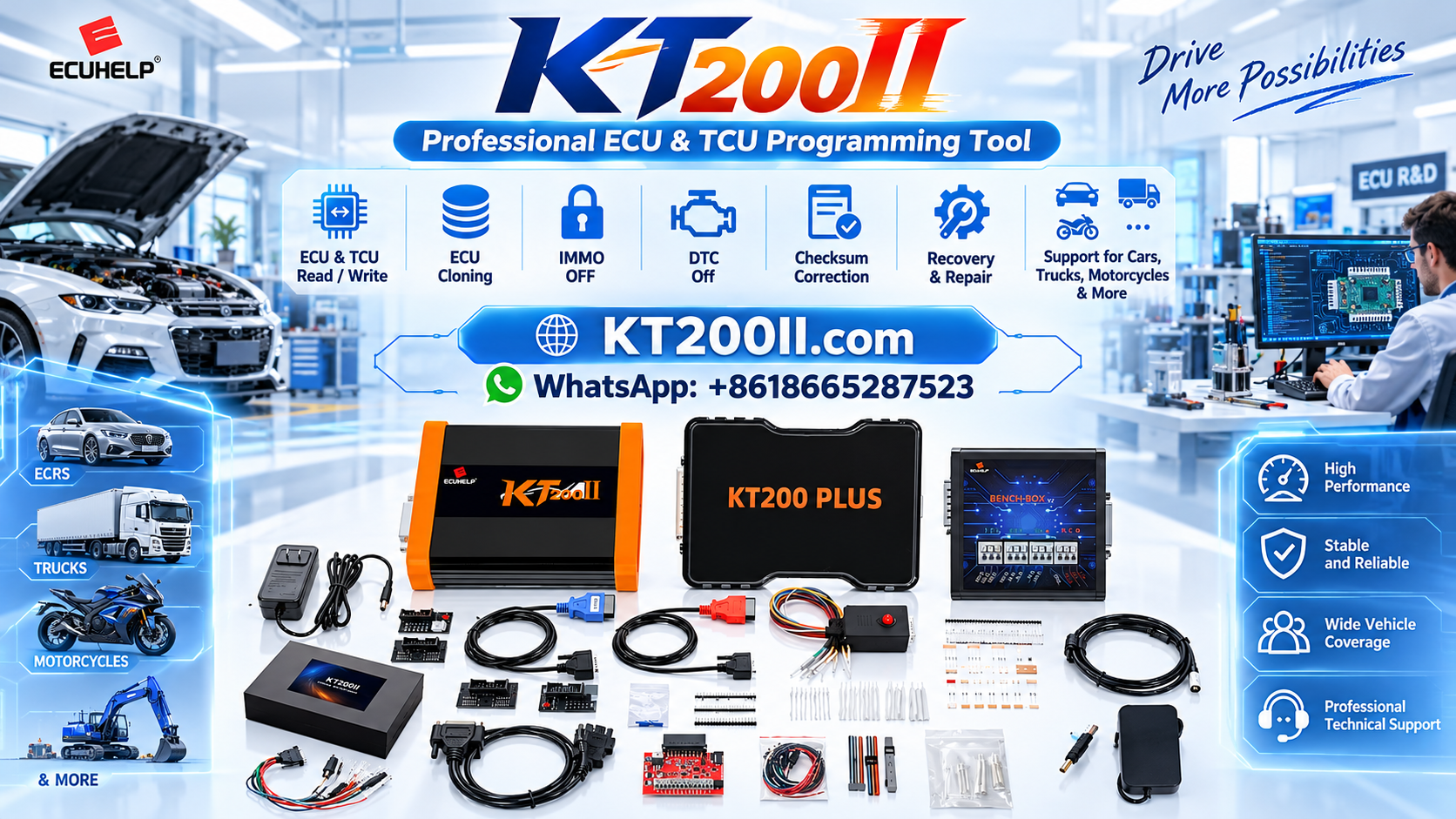
The KT200II ECU and TCU Programmer provides a multi-mode programming platform for supported ECU and TCU applications.
Before starting a TCU programming operation, technicians should check the exact control module in the current support information and confirm the available programming function and connection method.
For additional programming resources, technicians can also review the AutoEcuMaster Support Center.
TCU Programming Checklist
- Vehicle information recorded
- Transmission type confirmed
- TCU label photographed
- TCU part number recorded
- Hardware number recorded
- Software number recorded
- Processor identified when required
- Exact TCU support confirmed
- Programming method confirmed
- Wiring diagram reviewed
- Power supply checked
- Communication lines checked
- Original data backed up when supported
- Programming file verified
- Checksum requirements checked
- Programming result recorded
- TCU communication verified
- DTCs scanned
- Required adaptations completed
- Transmission functions tested
Conclusion
TCU programming requires a controlled workflow from identification through final verification. The most important steps are confirming the exact transmission control module, checking compatibility, selecting the correct programming method, preparing stable power and communication, protecting the original data and verifying the module after writing.
Technicians should never rely only on the vehicle model or the physical appearance of a TCU. Hardware numbers, software information, part numbers, processor information and the supported programming procedure should be considered together.
A structured TCU programming process helps reduce connection errors, file-selection mistakes and unnecessary recovery work while providing a more reliable workflow for transmission module replacement, cloning, repair and supported software programming.




