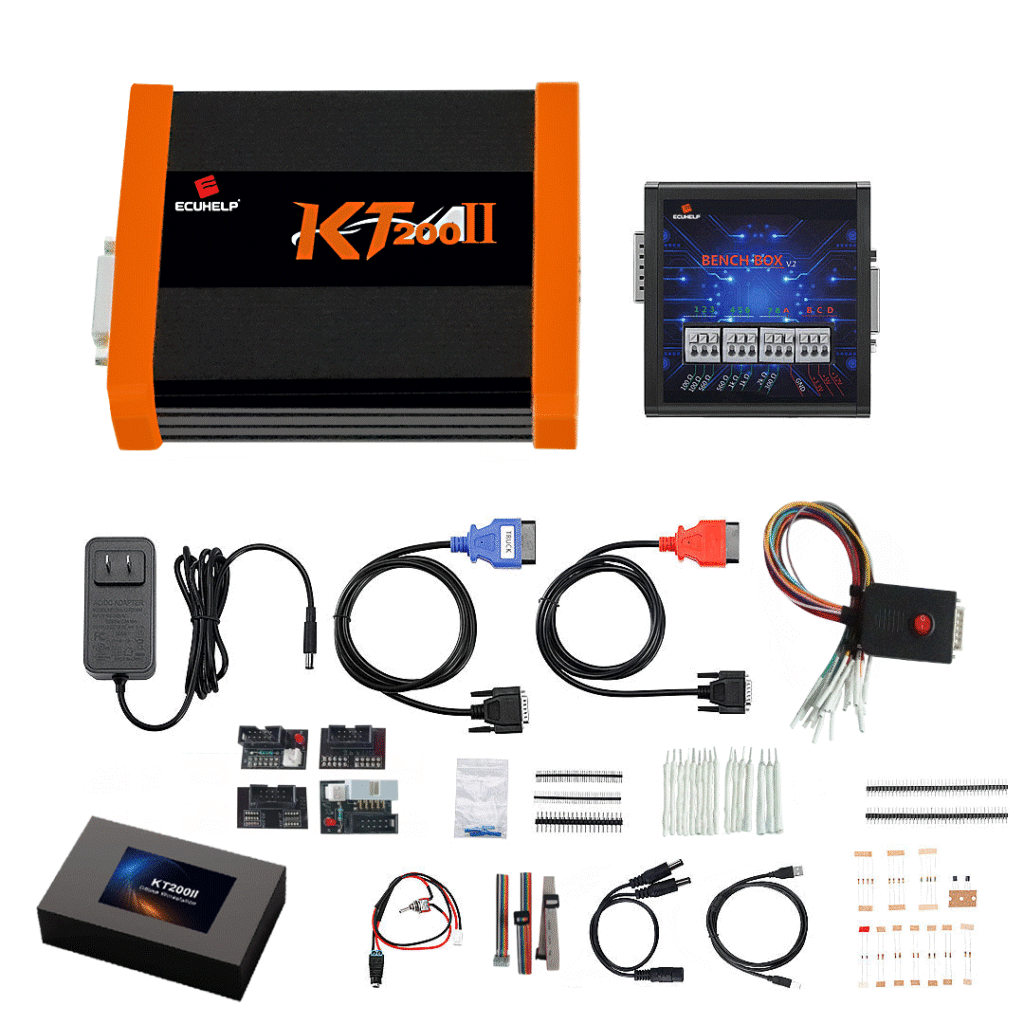
Hello everyone, I’m Tao.
This is my WhatsApp: +86 131 6957 7167
This is my ECU tool store: https://autoecumaster.com/
Feel free to message me on WhatsApp if you find any items you like and want special offers.
Follow these steps to test the ECUHELP KT200II bench box:
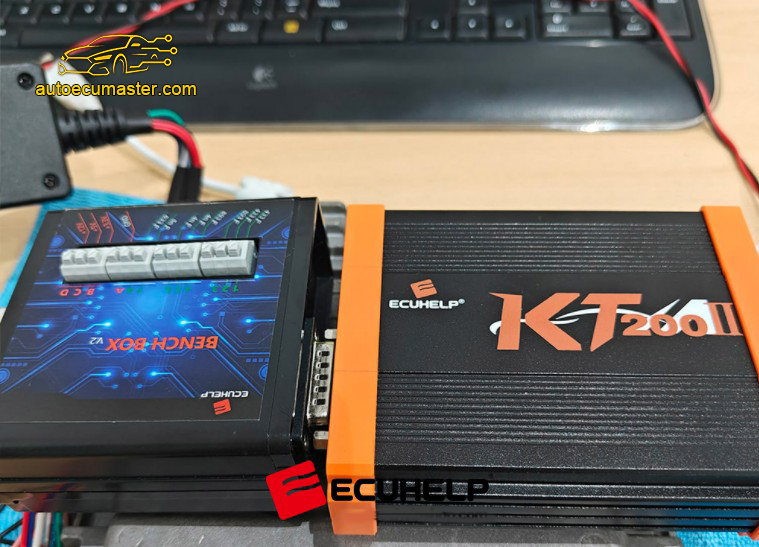
Connect KT200II ECU programmer, Bench Box and computer
Open KT200II 2024 or 2026 software
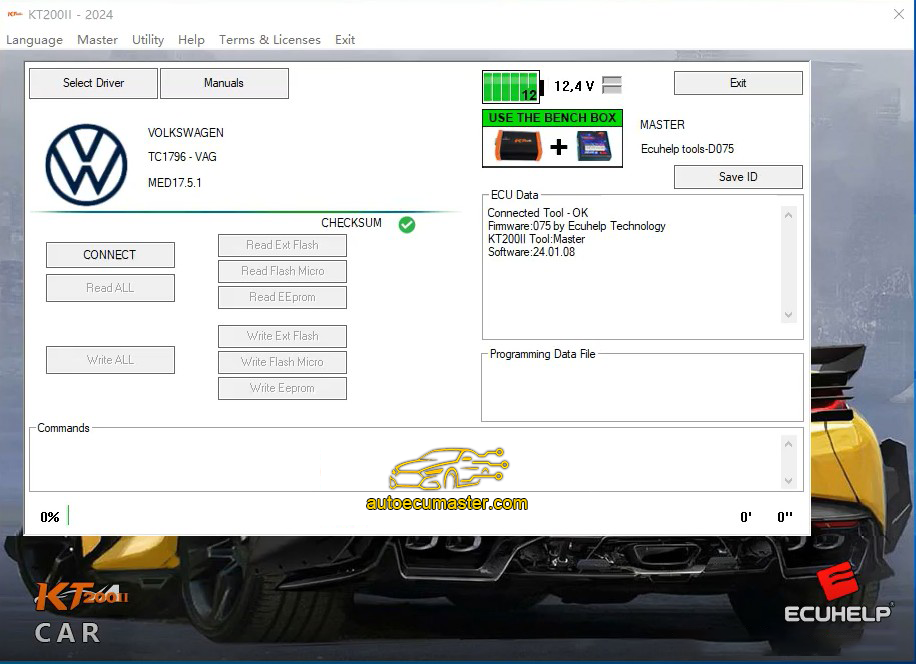
Click “Select Driver”
Then select BENCH MODE>> TOOLS BENCH MODE>> Test for BENCH BOXES>> TEST BENCH BOX V2
Click ‘OK’.
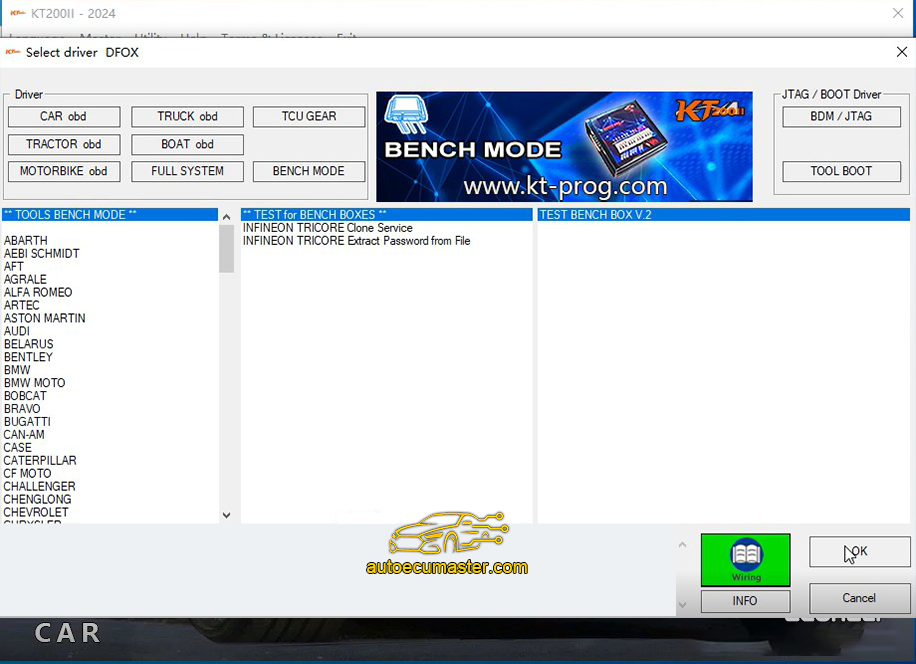
Click on “Start Test”.
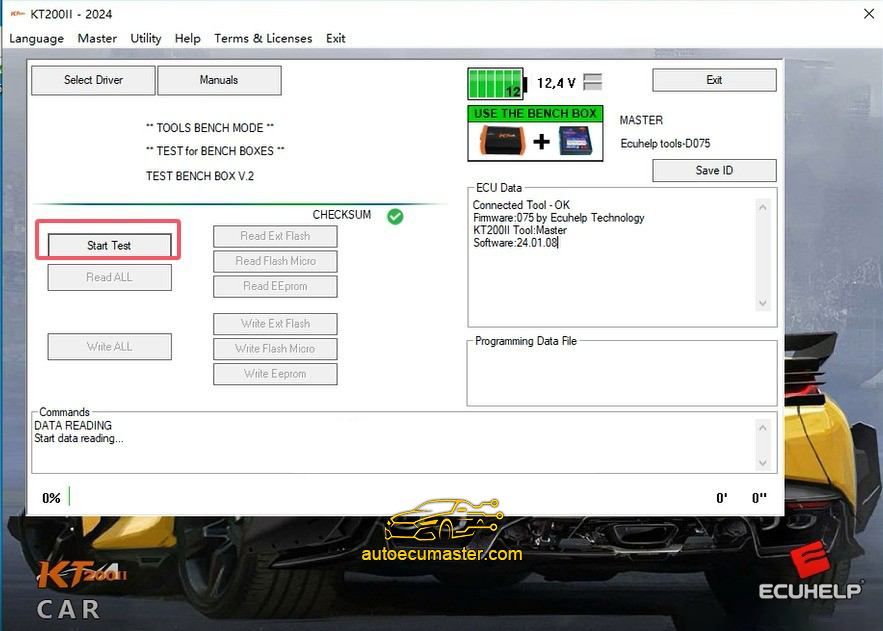
This driver is useful for testing the Bench Box V.2
During the test:
-The relays will be triggered at different speeds
-The red LED will flash several times
Before launching the driver, connect the Bench Box V.2 to the tool and power it through the round jack of the bench box itself or from the round jack of the KT200II tool.
DO NOT connect any control unit during the test.
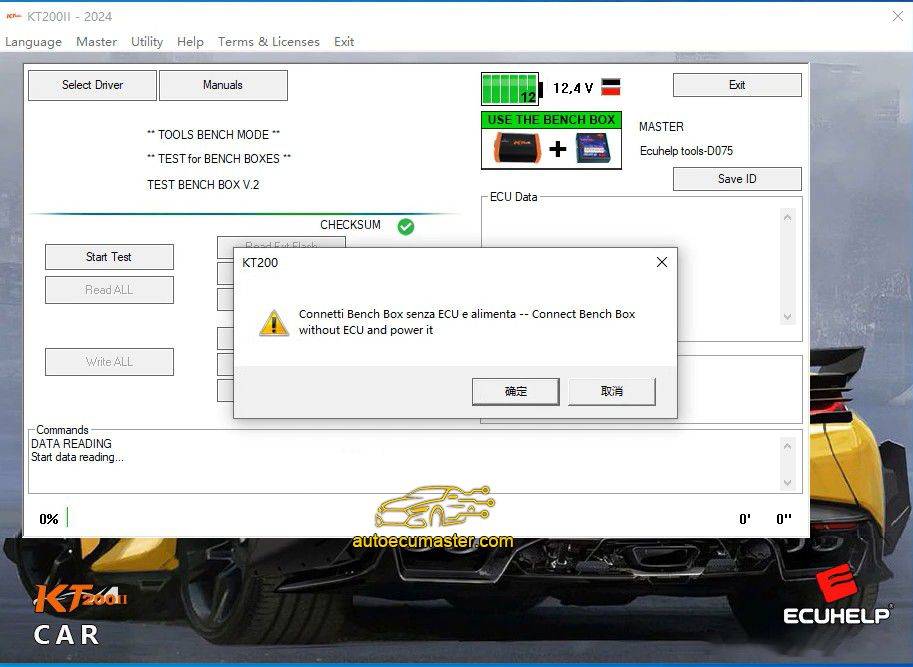
It will pop up “Connect Bench box without ECU and power it”, click “Yes”.
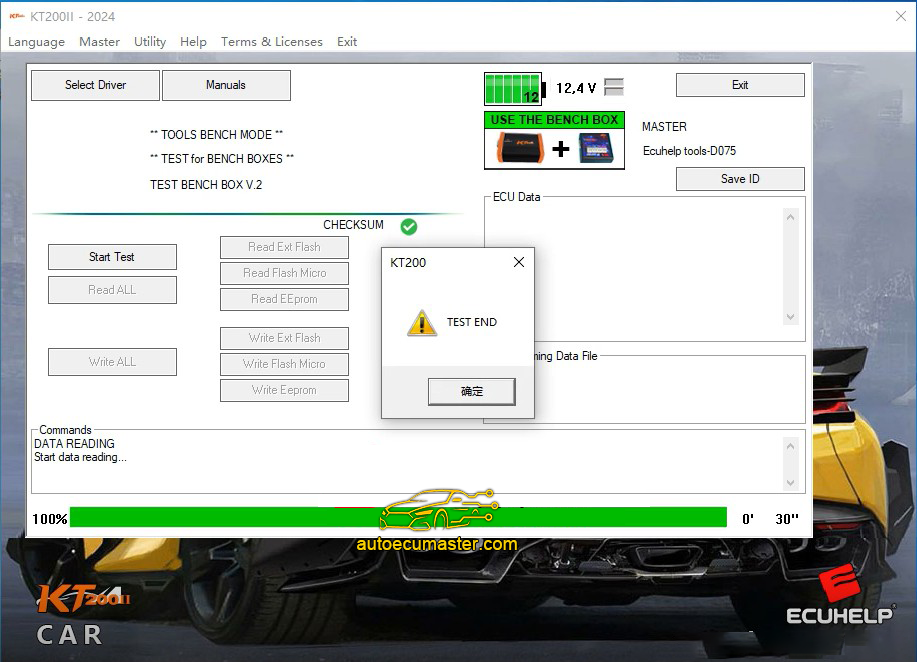
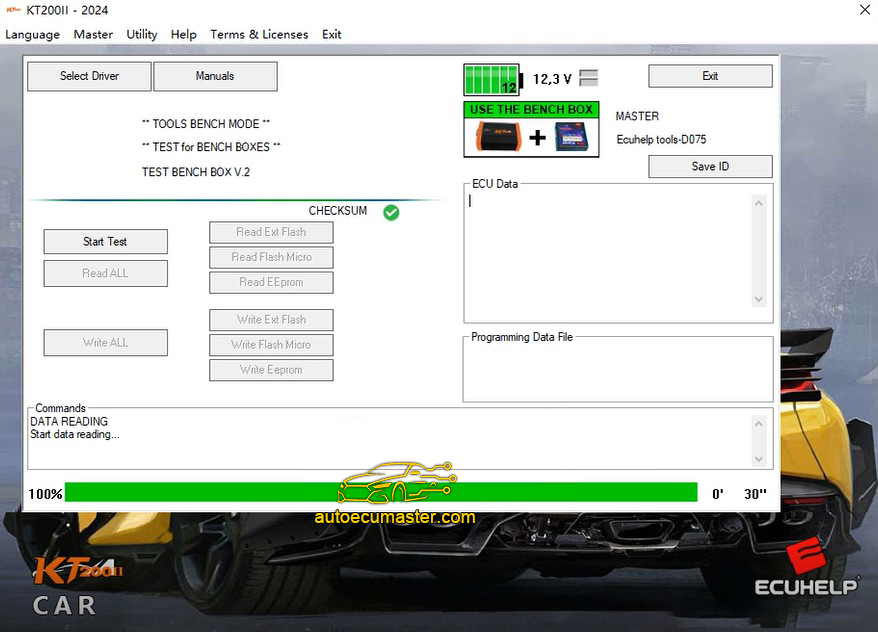
Wait until you can see “ Test END”, then click “yes”.
Hello everyone, I’m Tao.
This is my WhatsApp: +86 131 6957 7167
This is my ECU tool store: https://autoecumaster.com/
Feel free to message me on WhatsApp if you find any items you like and want special offers.