
ECU Replacement and Programming: A Complete Guide for Technicians
Electronic Control Units are essential components of modern vehicles. When an ECU fails, replacing the physical module is often only the first step. The replacement unit may also require programming, coding, configuration or data transfer before the vehicle can operate correctly.
For professional automotive technicians, understanding the complete ECU replacement and programming workflow helps reduce compatibility problems and improve repair efficiency.
Why ECU Replacement Requires Programming
A replacement ECU may contain different software, configuration information or vehicle-specific data from the original control unit.
Depending on the vehicle and ECU design, a replacement module may require:
- Software programming
- VIN configuration
- Vehicle coding
- Adaptation
- Configuration transfer
- ECU cloning
Modern vehicles use interconnected electronic control modules, so replacing one module can require additional electronic configuration before the vehicle functions normally.
Step 1: Identify the Original ECU
Before purchasing or programming a replacement ECU, technicians should collect detailed information from the original module.
Important information includes:
- Vehicle make and model
- Production year
- Engine type
- ECU manufacturer
- Hardware number
- Software number
- Part number
Matching the replacement ECU correctly is essential because modules that look similar may have different hardware or software configurations.
Step 2: Check Replacement ECU Compatibility
A replacement ECU should be verified before programming begins.
Technicians should compare the original and replacement modules and confirm whether the hardware and software are suitable for the target vehicle.
Using an incompatible module or incorrect programming file can lead to communication problems or improper vehicle operation.
Step 3: Read and Save Original ECU Data
When the original ECU is still accessible, creating a backup should be an important part of the replacement workflow.
Depending on the ECU architecture, relevant data may include:
- Flash memory
- EEPROM data
- Configuration information
- Vehicle-specific parameters
Keeping the original data provides a reference and may support cloning or recovery procedures when the application allows it.
ECU Replacement Through Cloning
ECU cloning is one possible solution when a compatible replacement module is available and the ECU platform supports data transfer.
A typical cloning workflow includes:
- Identify the original ECU
- Read the required original data
- Save and verify the backup
- Identify the replacement ECU
- Transfer compatible data
- Verify the programmed module
- Install and test the replacement ECU
Cloning is not universal. The required data and procedure depend on the ECU hardware, software and vehicle platform.
ECU Programming Methods
OBD Programming
OBD programming communicates with supported control units through the vehicle diagnostic connector.
It can be convenient when the vehicle and ECU support the required programming procedure.
Bench Programming
Bench programming connects directly to the ECU outside the vehicle.
It is commonly useful for ECU backup, data transfer, cloning and replacement module preparation on supported applications.
Boot Programming
Boot programming provides deeper access to selected ECU processors and memory areas.
It may be required for certain advanced repair, recovery or data access procedures.
ECU Replacement and Immobilizer Systems
Many vehicles integrate engine control units with immobilizer and security systems.
After ECU replacement, the vehicle may require an appropriate synchronization, coding or configuration procedure depending on the vehicle architecture.
Technicians should therefore verify the complete replacement procedure instead of assuming that installing the module alone will complete the repair.
Common ECU Replacement Problems
Incorrect Part Number
A replacement ECU with an incompatible part number may not communicate correctly with the vehicle.
Missing Original Data
If the original module is still readable, failing to create a backup can make later recovery or data transfer more difficult.
Wrong Programming Method
Some ECUs support OBD programming while others require Bench or Boot access. The correct method depends on the specific ECU application.
Unstable Power Supply
Stable power is important during ECU reading and writing. Power interruption during programming can result in incomplete data and communication problems.
Post-Programming Verification
After programming a replacement ECU, technicians should verify the complete system rather than assuming that successful data writing means the repair is finished.
Recommended checks include:
- ECU communication
- Diagnostic trouble codes
- Vehicle identification information
- Required coding or adaptation
- Engine or transmission operation
Testing the vehicle after programming helps identify configuration or communication problems before the vehicle is returned to the customer.
Professional ECU Programming Equipment
Professional ECU replacement work requires reliable programming equipment capable of supporting different ECU architectures and programming methods.
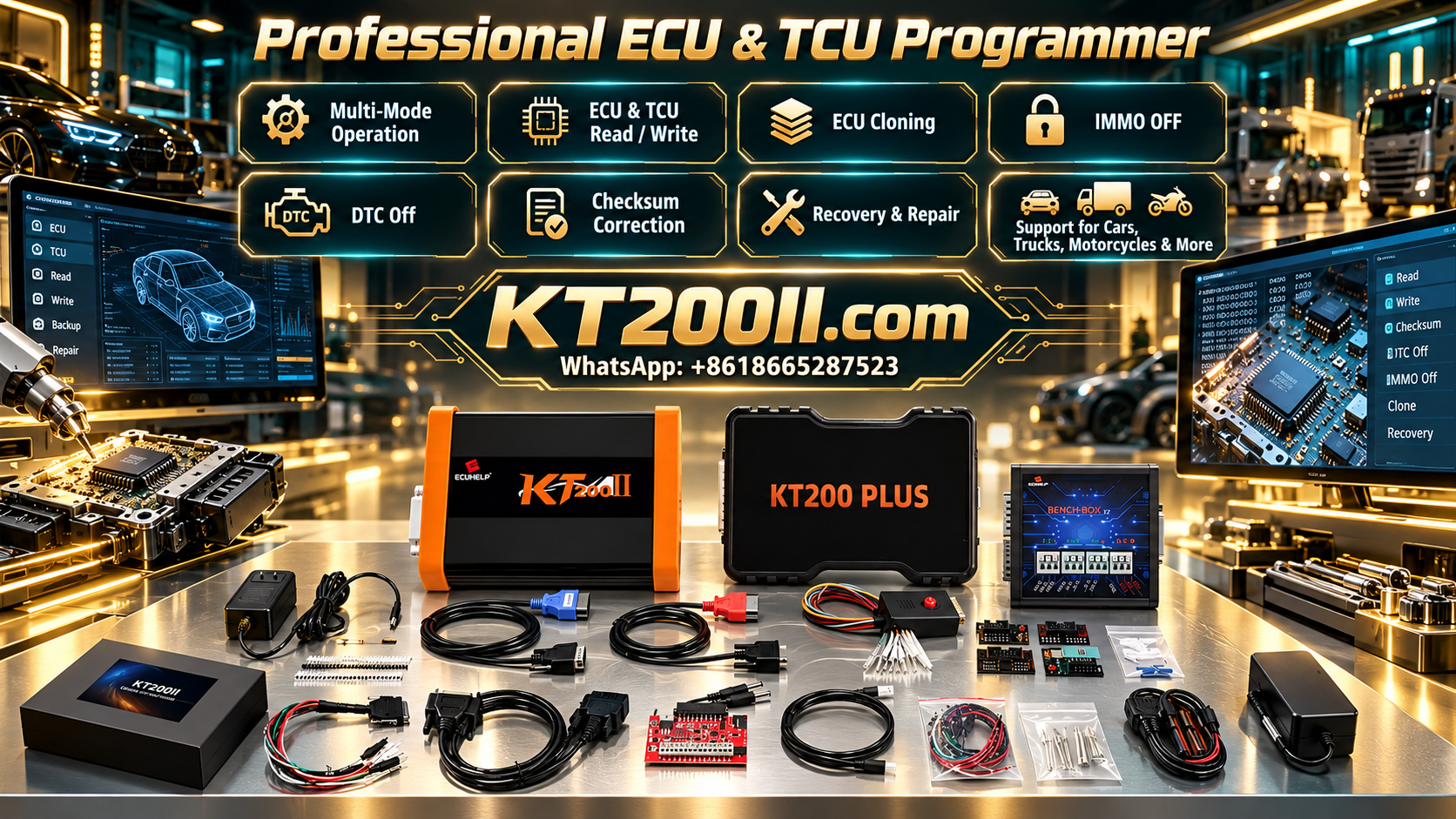
The KT200II ECU Programmer supports ECU and TCU reading, writing, backup, cloning and other programming operations on supported applications.
KT200II supports multiple operation methods according to ECU requirements, including:
- OBD Mode
- Bench Mode
- Boot Mode
- JTAG Mode
- BDM Mode
Technicians can learn more about available programming methods through the KT200II Operation Modes Guide.
Check ECU Support Before Starting
Before programming a replacement ECU, technicians should verify vehicle compatibility, ECU hardware, software information and the required programming procedure.
The official KT200II Support List provides compatibility information for supported ECU applications.
Keep ECU Programming Software Updated
Vehicle electronic systems continue to evolve, and programming equipment requires updated software support to work with newer applications.
Technicians can access the latest resources through the KT200II Software Download page.
Conclusion
ECU replacement is more than installing another control unit. Depending on the vehicle and ECU architecture, the replacement may require programming, coding, configuration, cloning or data transfer.
A professional workflow starts with accurate ECU identification and compatibility verification, followed by original data backup, the correct programming method and complete post-programming testing.
By following these steps and using reliable ECU programming equipment, automotive workshops can handle ECU replacement jobs more efficiently and reduce unnecessary programming risks.




