
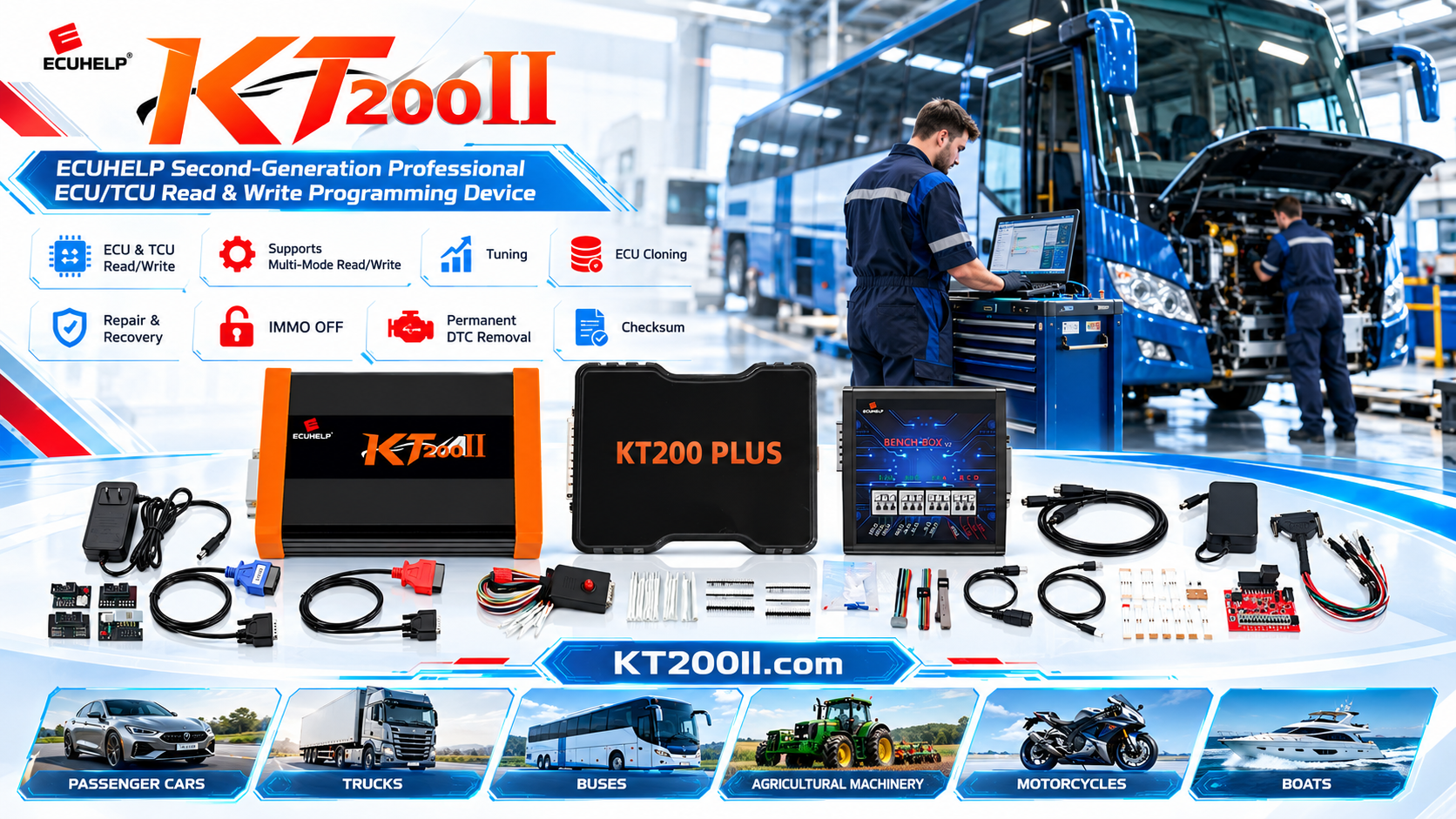
ECU Programming Customer Authorization and Job Confirmation Checklist
Before an ECU is read, written, cloned, or modified, the workshop should confirm exactly what the customer has requested. A clear authorization process protects the vehicle owner, the technician, and the programming equipment by making the job scope visible before any data operation begins.
ECU programming customer authorization should connect the vehicle information, ECU identification, requested service, selected operation method, and customer approval in one traceable record. This checklist is designed for professional ECU and TCU workshops that need a consistent process for every job.
Why Job Authorization Matters
ECU programming can involve reading original data, writing a supplied file, cloning a control unit, recovering a failed module, or performing a supported configuration operation. These services are different, and the customer may not always use the same technical terminology as the technician.
- It confirms whether the customer wants reading, writing, cloning, recovery, or diagnosis.
- It records the condition of the ECU before the technician begins.
- It reduces misunderstandings about the expected result.
- It identifies whether the customer supplied the original or modified file.
- It creates a reference if additional work becomes necessary.
Authorization does not guarantee that an operation will be possible. The technician must still verify compatibility, connection method, power requirements, and data condition before starting.
Information to Collect at Intake
| Information | Why It Is Needed | Example |
|---|---|---|
| Vehicle make and model | Connects the job to the correct vehicle application | Vehicle brand, model, and production year |
| Engine or transmission | Separates similar vehicle variants | Engine code or gearbox family |
| ECU or TCU number | Identifies the exact control unit | Hardware number and manufacturer label |
| Requested operation | Defines the service scope | Read, write, clone, recover, or verify |
| Module condition | Records existing damage or communication status | Installed, removed, water-damaged, or no communication |
| Customer-provided file | Clarifies the source and intended use of data | Original file, modified file, or replacement file |
Explain the Requested Operation in Plain Language
Customers may ask for “ECU tuning,” “programming,” or “copying” without specifying the technical operation. Before accepting the job, explain what the workshop will attempt and what information is required.
- Describe whether the ECU will be read, written, cloned, or inspected.
- Explain whether the module will remain in the vehicle or be connected on a bench.
- Confirm whether the customer supplied a modified or replacement file.
- State whether the requested function depends on ECU support and data condition.
- Record any work that is outside the original request as a separate item.
Use clear terms and avoid promising a result before the ECU and support information have been checked.
Confirm the ECU Before Accepting the Job
The visible vehicle model alone is not enough to select a programming procedure. The same vehicle range may use different ECU hardware, software, processors, or communication methods. Photograph and record the ECU label before the job is authorized for an operation.
Use the official KT200II support list to check the vehicle, ECU or TCU type, and available read or write method. Confirm the exact hardware and software details rather than relying on a similar vehicle entry.
Record the Starting Condition
Before connecting the module, document its physical and communication condition. This is especially important when the ECU has already been opened, repaired, exposed to moisture, or removed from a vehicle with an existing fault.
- Take clear photos of the ECU label and connector housing.
- Record visible cracks, bent pins, missing covers, or corrosion.
- Note whether the ECU communicates with the vehicle or diagnostic tool.
- Record any existing fault codes supplied by the customer.
- Mark whether the ECU is an original unit or a replacement unit.
These notes help distinguish a pre-existing condition from a result observed after the workshop operation.
Confirm the Connection Method
The connection method depends on the supported ECU protocol and the requested task. A vehicle-side OBD operation may be suitable for one application, while another ECU may require Bench, Boot, JTAG, or BDM access.
Review the KT200II operation modes guide before the job begins. The technician should know which adapter, power setup, and access method are required before the customer module is energized.
| Customer Request | Information to Confirm |
|---|---|
| Read original ECU | Supported vehicle, connection mode, output file, and storage location |
| Write a supplied file | File source, matching hardware, checksum requirements, and expected result |
| Clone a replacement ECU | Original and replacement identifiers, readable data, and supported clone method |
| Recover a failed ECU | Failure history, available backup, current communication status, and recovery method |
| TCU programming | Transmission type, TCU number, vehicle configuration, and supported operation |
Separate the Original Scope from Additional Work
During diagnosis, the technician may find that the ECU requires an additional read, a different adapter, a replacement component, or a recovery attempt. Record these changes separately from the original request and obtain updated customer approval before continuing.
A clear change record should include the reason for the additional work, the new operation, the expected time, and any additional cost agreed by the customer. This keeps the technical record and the customer communication aligned.
Use a Simple Authorization Form
A workshop form does not need to be complicated. It should contain enough information for another qualified technician to understand what was requested and what was approved.
- Customer and job reference.
- Vehicle, engine, and transmission information.
- ECU or TCU hardware and software numbers.
- Starting physical and communication condition.
- Requested operation and selected connection method.
- Original data storage confirmation.
- Customer approval for the defined service.
- Additional work approval section.
- Final result and technician notes.
Keep the form with the original file, modified file, photographs, and final test record.
Verify the Job Before Starting the Write
The most important confirmation should happen immediately before a write operation. The technician should compare the ECU label, selected vehicle, file description, and customer request one more time.
- Confirm that the ECU in the fixture matches the job record.
- Confirm that the selected application matches the hardware number.
- Verify that the original data is saved in the correct job folder.
- Check that the supplied or modified file belongs to the same ECU application.
- Confirm power, ground, adapter, and communication connections.
- Apply power and run identification before starting the write.
- Stop if any identifier or communication result does not match the record.
Store the Correct Software and Support References
Use current software resources from the KT200II software page. Product capabilities and workshop applications are described on the KT200II product page.
The KT200II official blog provides additional technical guidance for ECU and TCU workflows. The main KT200II official website brings together product information, operation modes, software resources, and compatibility references.
Protect Customer Information
Job forms and ECU photos may contain names, VINs, license plates, contact details, or vehicle history. Store these records securely and share only the information needed for technical support or the agreed customer report.
- Use a job number in file names.
- Restrict access to original data and customer documents.
- Remove unnecessary personal information from shared screenshots.
- Keep authorization records according to the workshop’s retention policy.
Frequently Asked Questions
Is customer authorization needed for a simple ECU read?
Yes. The customer should understand what data will be read, how it will be stored, and what the workshop is expected to do with the result.
Can a technician promise a successful programming result after checking the vehicle model?
No. The exact ECU hardware, software, supported method, data condition, and physical condition must be verified before a result can be confirmed.
What if the customer changes the request after the ECU is connected?
Stop and record the new request. Confirm the new scope before changing the operation, file, or connection method.
Why should the original file be mentioned on the authorization form?
The original file is an important reference for verification, recovery, and comparison. Recording its storage location helps prevent accidental use of the wrong data.
Conclusion
A clear ECU programming customer authorization process gives every job a defined technical scope. Confirm the vehicle and ECU, explain the requested operation, record the starting condition, verify support and connection method, and obtain approval before beginning. A complete authorization record helps technicians work consistently and gives customers a clearer understanding of the service being performed.




