Automotive Immobilizer Systems: ECU Programming, Key Matching and Security
Modern vehicles use electronic security systems to prevent unauthorized engine starting. One of the most important components of this technology is the automotive immobilizer, which communicates with the vehicle key and electronic control modules to verify whether starting authorization is valid.
Immobilizer-related problems can occur after key replacement, ECU replacement, module damage or communication failures. For automotive electronics technicians, understanding immobilizer architecture and authorized programming procedures is essential for accurate diagnosis and vehicle repair.
1. What Is an Automotive Immobilizer System?
An immobilizer is an electronic vehicle security system designed to prevent the engine from starting without an authorized key or valid electronic authorization.
Depending on the vehicle architecture, an immobilizer system may include:
- Transponder key or smart key.
- Immobilizer antenna or reader coil.
- Immobilizer control unit.
- Body Control Module (BCM).
- Engine Control Unit (ECU).
- Electronic steering lock.
- Vehicle gateway module.
These components communicate to verify key authorization before allowing the engine to start.
2. How Does an Immobilizer Work?
When a driver inserts a key or approaches the vehicle with a recognized smart key, the immobilizer system begins an electronic authentication process.
A typical operation involves several stages:
- The vehicle detects the presence of the key.
- The immobilizer reader communicates with the transponder or smart key.
- The key provides identification or authentication information.
- The vehicle security system verifies the authorization.
- The relevant control modules exchange the required security information.
- The ECU receives or confirms permission to start the engine.
The exact authentication process varies between manufacturers and vehicle generations.
3. Understanding Transponder Keys
Many traditional immobilizer systems use transponder technology. A transponder is a small electronic component integrated into the vehicle key.
Depending on the key system, transponders may use different technologies and authentication methods.
Important characteristics include:
- Transponder identification.
- Operating frequency.
- Communication protocol.
- Authentication method.
- Compatibility with the vehicle security system.
A key that physically fits the ignition does not necessarily contain a compatible transponder.
Technicians should identify the correct key system before attempting authorized key replacement or programming.
4. Different Types of Immobilizer Systems
Traditional Transponder Immobilizers
These systems commonly use a transponder chip inside the key and a reader antenna near the ignition switch.
The immobilizer verifies the key information before permitting engine starting.
Remote Keyless Entry Systems
Remote keyless entry allows drivers to lock and unlock vehicle doors electronically.
Remote locking functionality and engine-start authorization are separate functions, even when they are integrated into the same key.
Smart Key and Keyless Start Systems
Modern smart key systems allow drivers to unlock and start vehicles without inserting a conventional key.
These systems use electronic communication and authentication between the key and vehicle control modules.
Advanced Vehicle Security Systems
Some newer vehicles use more complex security architectures involving multiple control modules, encrypted communication and manufacturer-authorized online procedures.
5. The Relationship Between ECU, BCM and Immobilizer
The immobilizer does not necessarily operate as an independent module. Modern vehicle security systems often involve several electronic controllers.
Engine Control Unit (ECU)
The ECU manages engine operation and may require valid immobilizer authorization before enabling engine starting or fuel injection.
Body Control Module (BCM)
The BCM manages various body electronics and may also participate in key recognition and vehicle security functions.
Immobilizer Control Module
Depending on the vehicle, immobilizer functions may be integrated into the BCM, instrument cluster, dedicated security module or another electronic controller.
Electronic Steering Lock
Some vehicles use an electronic steering lock that communicates with the vehicle security architecture as part of the authorized starting process.
Because these modules are interconnected, replacing one component may require additional configuration or synchronization.
6. Common Immobilizer Problems
Immobilizer faults can produce symptoms that appear similar to engine or ECU failures.
Engine Cranks but Does Not Start
Some vehicles may crank normally while the immobilizer prevents engine authorization.
Key Not Recognized
The vehicle may fail to recognize the transponder or smart key because of key damage, reader problems or communication faults.
Immobilizer Warning Light
A flashing or continuously illuminated security indicator may suggest an immobilizer-related fault.
ECU and BCM Communication Errors
Communication problems between the ECU, BCM and security modules may prevent successful authorization.
Problems After ECU Replacement
A replacement ECU may not be synchronized with the existing vehicle security system, resulting in starting authorization problems.
7. Diagnosing Immobilizer Faults
Professional immobilizer diagnostics should begin with accurate vehicle identification and a complete diagnostic scan.
Important diagnostic steps include:
- Identify the vehicle make, model and production year.
- Read fault codes from the ECU, BCM and relevant security modules.
- Check key recognition status using compatible diagnostic equipment.
- Inspect the immobilizer antenna and related wiring.
- Verify module power supply and ground connections.
- Check communication between the relevant control modules.
- Review module replacement or programming history.
- Follow the manufacturer's authorized diagnostic procedure.
A fault code related to immobilizer authorization does not automatically mean that the ECU is defective. The key, antenna, wiring and other control modules should also be investigated.
8. Immobilizer Programming and Key Matching
Immobilizer programming involves authorized procedures for registering compatible keys or configuring vehicle security modules.
Depending on the vehicle architecture, supported operations may include:
- Registering replacement keys.
- Adding authorized transponder keys.
- Replacing and configuring security modules.
- Performing ECU and BCM synchronization.
- Completing manufacturer-specific initialization.
- Verifying key recognition and engine authorization.
Some procedures require manufacturer-authorized security credentials, proof of vehicle ownership or online access.
All key and immobilizer operations should be performed only on vehicles for which the technician has appropriate authorization.
9. ECU Replacement and Immobilizer Synchronization
Replacing a damaged ECU can introduce security compatibility issues.
Even when the replacement ECU has compatible hardware, it may not automatically recognize the existing vehicle security configuration.
A typical authorized replacement workflow includes:
- Identify the original ECU and replacement hardware.
- Confirm compatibility with the vehicle.
- Read and preserve supported original ECU data where possible.
- Follow the manufacturer's replacement programming procedure.
- Perform required immobilizer synchronization.
- Complete any required module coding or configuration.
- Verify authorized key recognition.
- Perform final engine starting and diagnostic tests.
Some vehicles support data transfer between compatible modules, while others require dedicated online initialization procedures.
10. Understanding Immobilizer Data and ECU Memory
Automotive control modules use different memory technologies to store software and configuration information.
Flash Memory
Flash memory commonly stores application software and calibration data required by the ECU.
EEPROM
EEPROM or equivalent non-volatile storage may contain vehicle-specific configuration and security-related information, depending on the ECU architecture.
Microcontroller Internal Memory
Modern controllers may integrate several memory regions into the microcontroller.
Not all immobilizer information is stored in the same location. Some vehicle architectures distribute security-related information across multiple modules.
Technicians should consult reliable technical documentation rather than assuming that reading one memory area provides a complete vehicle security backup.
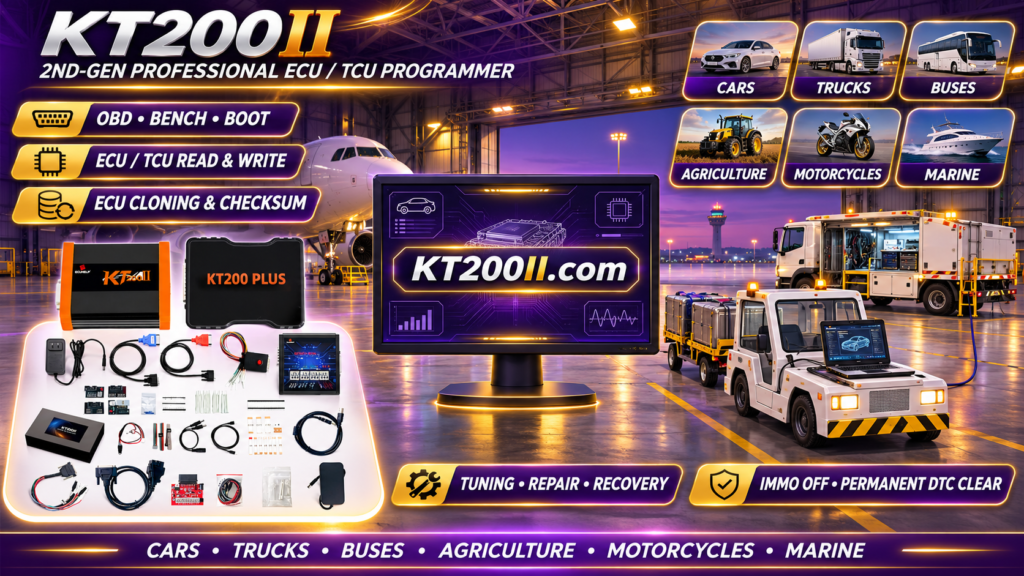
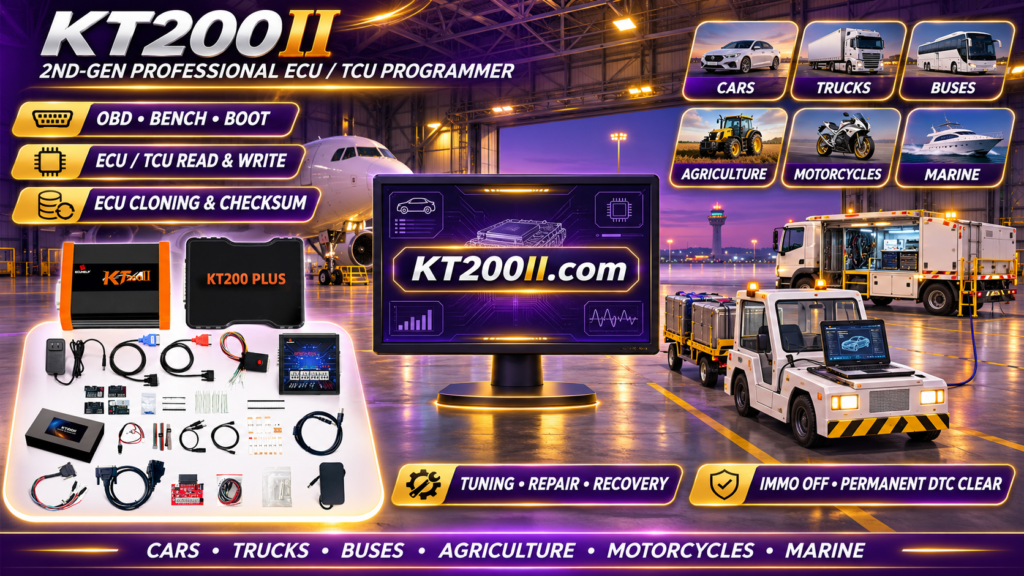
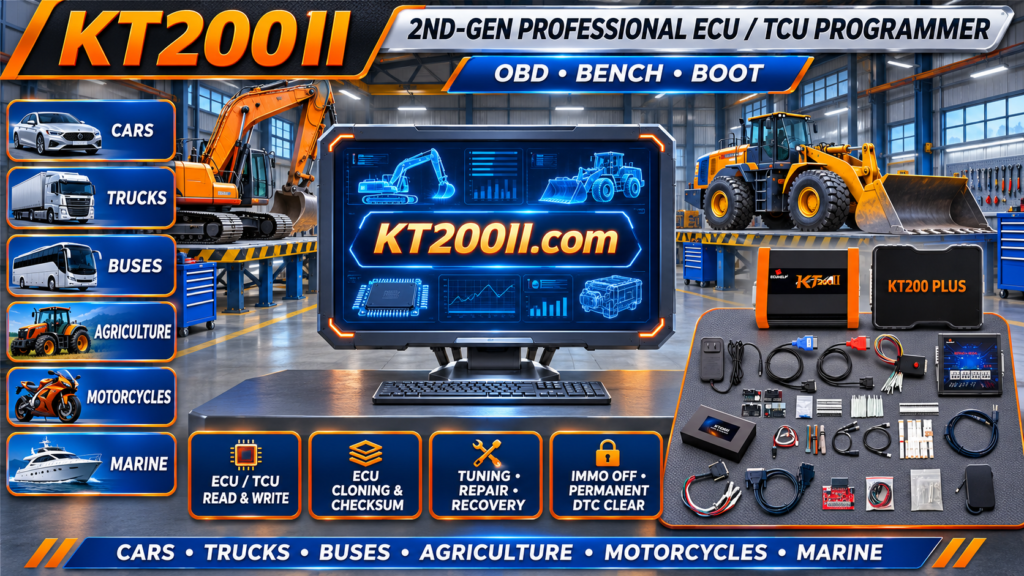
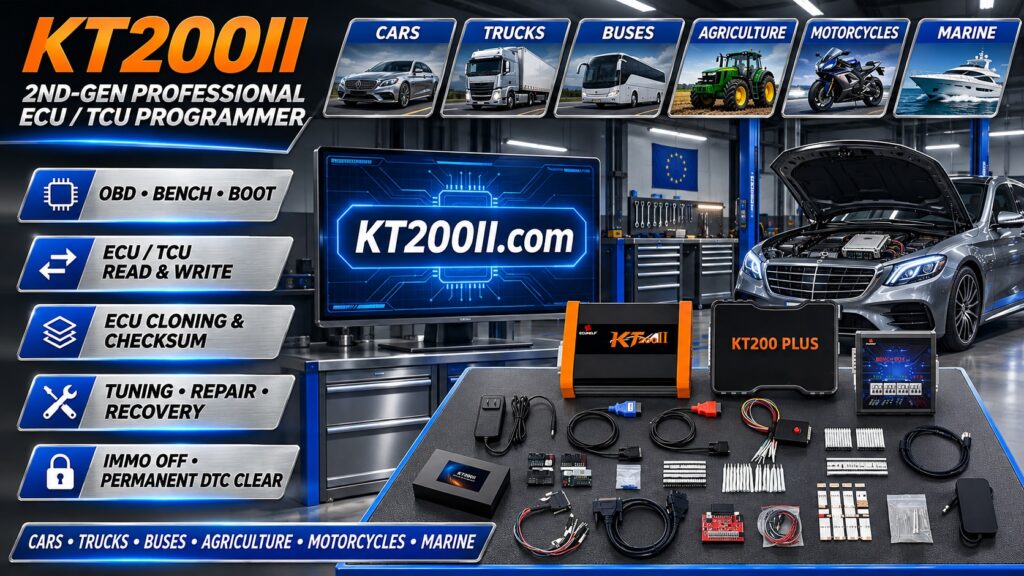
11. Choosing Professional Automotive Programming Equipment
Automotive electronics workshops may need different tools for ECU diagnostics, module programming and supported replacement procedures.
When evaluating programming equipment, consider:
- Vehicle and ECU manufacturer coverage.
- ECU and BCM identification functions.
- OBD, Bench and Boot programming support.
- Flash and EEPROM reading capabilities.
- Supported ECU replacement operations.
- Diagnostic communication functions.
- Technical documentation and wiring diagrams.
- Software updates and technical support.
It is important to distinguish general ECU programming capabilities from dedicated immobilizer and key programming functions. Support for one operation does not automatically guarantee support for another.
For more information about automotive ECU programming equipment and electronic control module solutions, visit AutoECUMaster.
12. Common Mistakes During Immobilizer Diagnosis
Incorrect troubleshooting can lead to unnecessary module replacement and additional programming complications.
Common mistakes include:
- Replacing the ECU without checking key recognition.
- Ignoring immobilizer antenna faults.
- Assuming remote locking and immobilizer functions are identical.
- Using incompatible replacement keys.
- Ignoring BCM and gateway communication faults.
- Failing to verify module hardware compatibility.
- Attempting programming without proper authorization.
- Skipping final diagnostic and starting tests.
13. Best Practices for Automotive Immobilizer Repair
A structured diagnostic workflow improves repair accuracy and reduces unnecessary component replacement.
- Confirm vehicle ownership and repair authorization.
- Identify the exact vehicle security architecture.
- Record all relevant control module identification numbers.
- Scan the ECU, BCM and immobilizer-related modules.
- Verify key recognition and antenna operation.
- Check electrical power, ground and communication circuits.
- Confirm replacement module compatibility.
- Follow manufacturer-approved programming procedures.
- Verify successful key recognition and engine authorization.
- Complete a final diagnostic scan.
14. Conclusion
Automotive immobilizer systems are an essential part of modern vehicle security. They connect keys, transponders and electronic control modules to ensure that only authorized starting requests are accepted.
Understanding the relationship between the ECU, BCM, immobilizer and key recognition system helps technicians diagnose starting problems and perform supported module replacement procedures more effectively.
Successful immobilizer repair requires accurate vehicle identification, compatible programming equipment and manufacturer-approved security procedures.
For more information about automotive ECU programming technology and professional electronic control module solutions, visit AutoECUMaster.