
ECU Cloning Explained: A Complete Guide for Automotive Technicians
ECU replacement is a common requirement in modern automotive repair, but installing a replacement control unit does not always complete the repair. Depending on the vehicle and ECU architecture, important data may need to be transferred from the original module to a compatible replacement unit.
ECU cloning is one professional method used for this type of repair. It allows technicians to transfer supported data from an original ECU to a compatible replacement ECU so that the replacement module can be prepared for the target vehicle.
What Is ECU Cloning?
ECU cloning is the process of reading appropriate data from an original electronic control unit and transferring that data to a compatible replacement ECU.
The exact data required depends on the ECU design. A cloning operation may involve:
- Flash memory
- EEPROM data
- Configuration information
- Module-specific data
Not every ECU can be cloned in the same way. The required procedure depends on the ECU manufacturer, hardware architecture, processor and supported programming method.
Why Is ECU Cloning Needed?
When an original ECU has a hardware failure but its data remains accessible, cloning may provide a practical repair solution when supported by the ECU platform.
ECU cloning can be useful for:
- ECU replacement
- Control module repair
- Replacement ECU preparation
- Transfer of supported vehicle-specific data
- Advanced automotive electronic repair
ECU Cloning vs ECU Programming
| Operation | Main Purpose |
|---|---|
| ECU Programming | Read or write supported ECU software and data |
| ECU Cloning | Transfer appropriate original ECU data to a compatible replacement ECU |
| ECU Repair | Diagnose and restore a malfunctioning control unit |
| ECU Replacement | Replace a defective control unit with another compatible module |
These operations can overlap, but they are not identical. ECU cloning normally involves both reading original data and programming a replacement module.
Step 1: Identify the Original ECU
The first step in a professional ECU cloning procedure is accurate identification of the original control unit.
Technicians should record:
- Vehicle make and model
- Production year
- Engine type
- ECU manufacturer
- Part number
- Hardware number
- Software number
- Processor information
Accurate identification helps technicians determine whether the original and replacement ECUs are suitable for the same programming procedure.
Step 2: Confirm Replacement ECU Compatibility
The replacement ECU should be checked before any data transfer is attempted.
Important comparison points include:
- Hardware compatibility
- Part number
- Processor type
- Software architecture
- Memory structure
- Vehicle application
A physically similar ECU is not automatically a suitable replacement. Compatibility should be confirmed using reliable technical information and the programming tool's supported application data.
Step 3: Read the Original ECU
After compatibility has been confirmed, technicians can read the required data from the original ECU using the appropriate programming method.
Depending on the ECU, the operation may involve:
- OBD Mode
- Bench Mode
- Boot Mode
- BDM Mode
- JTAG Mode
The correct method depends on the specific ECU application. Technicians should follow the supported connection procedure rather than selecting a programming mode based only on appearance or assumptions.
Step 4: Create a Complete Original Backup
Original data should be saved before any modification or writing operation.
A good backup procedure includes:
- Saving the original file
- Recording ECU identification information
- Using clear file names
- Keeping original files separate from modified files
- Verifying the saved data
The original backup provides an important reference if the programming process needs to be repeated or the original configuration needs to be restored.
Flash and EEPROM Data During ECU Cloning
Many ECUs contain multiple memory areas. Flash and EEPROM can serve different purposes, so technicians need to understand which data is required for the specific cloning procedure.
Flash Memory
Flash memory generally provides a larger programmable storage area and may contain firmware and calibration-related information.
EEPROM
EEPROM is non-volatile memory that can store smaller areas of configuration and vehicle-specific information depending on the ECU architecture.
Some cloning procedures require data from one memory area, while others require multiple areas. The exact requirement must be confirmed for the specific ECU.
Step 5: Program the Replacement ECU
After the original data has been safely backed up, the required data can be transferred to the compatible replacement ECU when the supported procedure allows it.
During programming, technicians should ensure:
- Correct ECU connection
- Stable power supply
- Correct programming method
- Correct data file
- Stable computer communication
Programming should not be interrupted once the writing process has started.
Step 6: Verify the Replacement ECU
After programming is complete, technicians should verify the result before returning the vehicle to normal service.
Recommended checks include:
- ECU communication
- Module identification
- Diagnostic trouble codes
- Required vehicle configuration
- Engine or transmission operation
Successful data writing should be followed by appropriate diagnostic and vehicle-level testing.
Common ECU Cloning Problems
Incompatible Replacement ECU
Using an unsuitable replacement module is one of the most common causes of cloning problems.
Incomplete Original Data
If the original ECU cannot provide all of the data required by the supported cloning procedure, additional repair or programming methods may be necessary.
Incorrect Connection
Wrong wiring or an incorrect connection point can prevent the programmer from communicating with the ECU.
Unstable Power
Power interruption during a writing operation can result in incomplete programming and communication problems.
Incorrect File Selection
Technicians should carefully distinguish original files, modified files and files belonging to different ECU applications.
OBD, Bench and Boot Cloning
Different ECU platforms require different access methods.
OBD Cloning
OBD-based operations use the vehicle diagnostic connector when the supported ECU procedure allows the required data to be accessed through the vehicle.
Bench Cloning
Bench programming provides direct access to the ECU outside the vehicle and can be useful for supported reading, writing and cloning operations.
Boot Cloning
Boot programming provides deeper access to selected ECU processors and memory areas. It may be required when standard communication methods cannot provide the necessary access.
Professional ECU Cloning Equipment
A reliable ECU programmer is an important part of professional ECU cloning work.
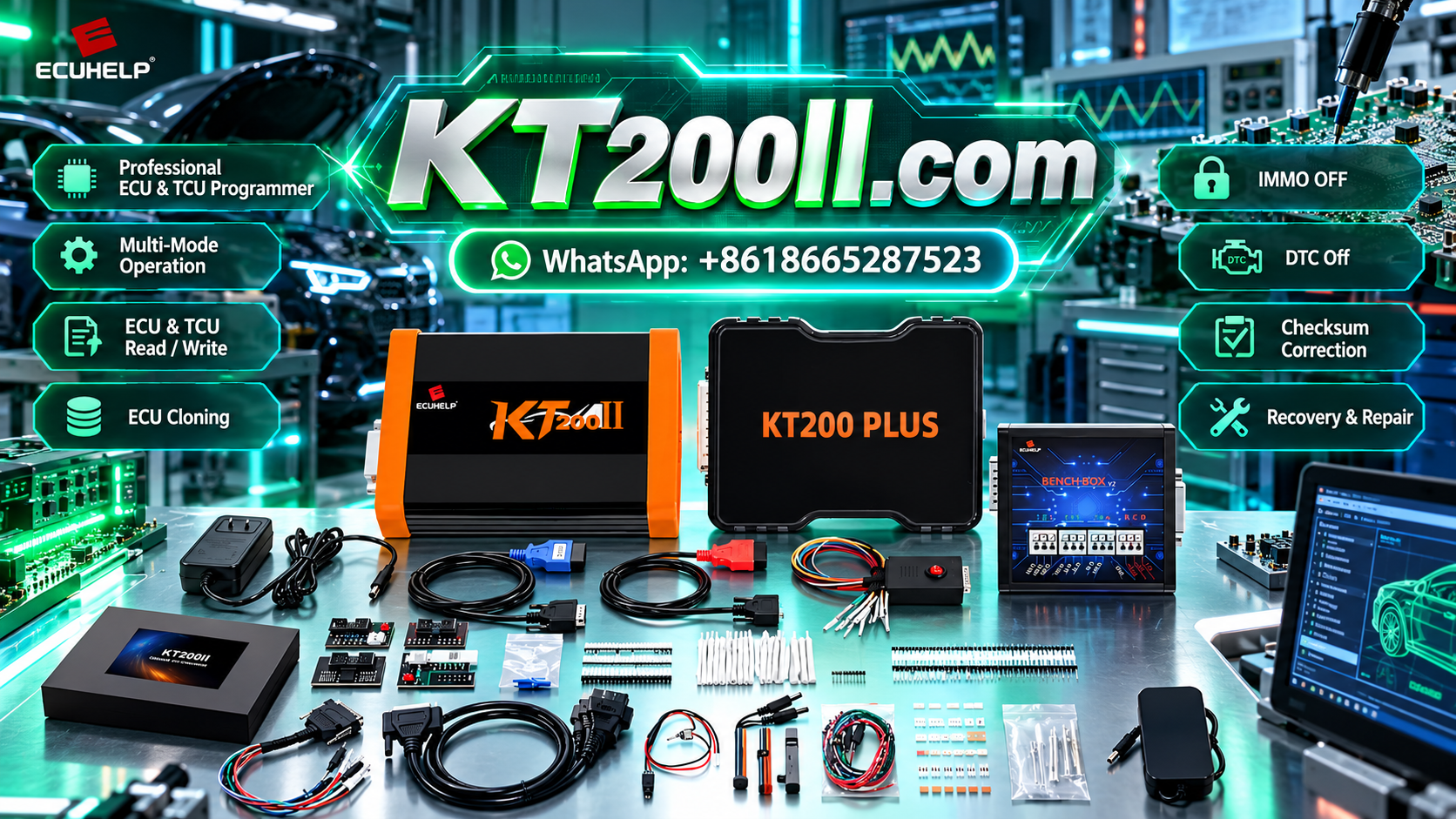
The KT200II ECU Programmer supports ECU and TCU reading, writing, backup and cloning operations on supported applications.
KT200II provides multiple programming methods according to ECU requirements, including:
- OBD Mode
- Bench Mode
- Boot Mode
- JTAG Mode
- BDM Mode
Technicians can learn more about programming methods through the KT200II Operation Modes Guide.
Check ECU Support Before Cloning
Before starting an ECU cloning operation, technicians should verify the exact vehicle, ECU hardware, software information and required programming method.
The official KT200II Support List provides compatibility information for supported ECU applications.
Keep Programming Software Updated
Automotive ECU technology continues to develop, and programming equipment requires ongoing software support for new applications.
Technicians can access the latest resources through the KT200II Software Download page.
Best Practices for ECU Cloning
- Identify the original ECU accurately
- Confirm replacement ECU compatibility
- Read and save original data
- Keep original files securely stored
- Use the correct programming method
- Maintain stable power during programming
- Verify the written data when supported
- Perform diagnostic checks after programming
Conclusion
ECU cloning is an important technique for professional automotive electronic repair. It can help technicians prepare compatible replacement ECUs by transferring appropriate data from an original control unit when the ECU platform supports the procedure.
A successful cloning operation requires accurate ECU identification, compatibility verification, reliable original data backup, the correct programming method and complete post-programming testing.
With the right equipment and a structured workflow, automotive workshops can handle supported ECU replacement and cloning jobs more efficiently while reducing unnecessary programming risks.




