ECU Firmware Update vs ECU Remapping: Key Differences and What Technicians Should Know
Automotive engine control units use embedded software and calibration data to manage engine operation, fuel delivery, ignition timing, torque limits and other vehicle functions. When technicians need to modify or update this information, two terms frequently appear: ECU firmware updates and ECU remapping.
Although both procedures may involve writing data to an ECU, they serve different purposes. A firmware update generally installs a software revision intended for a particular controller, while remapping typically involves modifying supported calibration parameters to change how the ECU manages engine operation.
Understanding the distinction helps technicians choose appropriate files, verify compatibility and avoid unnecessary programming risks.
1. What Is an ECU Firmware Update?
An ECU firmware update replaces or updates supported software stored in an electronic control unit. Depending on the manufacturer and controller architecture, an update may address software defects, improve system behavior, support revised components or implement approved technical changes.
Firmware updates may be provided through manufacturer service procedures or other supported programming workflows.
Before installing an update, technicians should verify:
- The exact ECU hardware and software identification.
- The intended vehicle application.
- The compatibility of the new software with the controller.
- The required programming method and equipment.
- Any manufacturer-specific coding or initialization requirements.
A newer software version is not automatically suitable for every ECU with a similar part number. Compatibility must be established before programming.
2. What Is ECU Remapping?
ECU remapping generally refers to modifying supported calibration data within an engine control unit. Depending on the vehicle and ECU, calibration parameters may influence fuel delivery, ignition timing, boost control, torque management and other engine operating characteristics.
Remapping may be performed for different purposes, including authorized performance calibration, drivability adjustments or application-specific calibration work.
A remapping workflow commonly involves:
- Identifying the ECU and its current software.
- Obtaining a suitable original file where supported.
- Analyzing the relevant calibration data.
- Making appropriate, validated calibration changes.
- Checking file integrity and applicable checksum requirements.
- Writing the compatible file using a supported programming method.
- Verifying the results through appropriate diagnostic and functional tests.
Remapping is not simply the process of installing the newest firmware. It involves changes to supported calibration data, and the suitability of those changes depends on the engine, hardware, operating conditions and applicable legal requirements.
3. ECU Firmware Update vs ECU Remapping: Key Differences
| Comparison | Firmware Update | ECU Remapping |
|---|---|---|
| Main purpose | Install an appropriate software revision | Modify supported calibration parameters |
| Typical data source | Approved or otherwise verified software package | Compatible original file and validated calibration changes |
| Primary objective | Software maintenance, compatibility or approved improvements | Adjust engine operating characteristics |
| File selection | Must match the intended ECU and vehicle application | Must match the ECU architecture and calibration requirements |
| Technical requirements | Supported programming method and update procedure | Compatible file, calibration expertise and verification |
| Verification | Software identification, diagnostics and required service checks | File validation, diagnostics and appropriate operating tests |
Both procedures can involve ECU reading and writing, but they should not be treated as interchangeable. The exact workflow depends on the ECU and the intended operation.
4. Why ECU Identification Must Come First
Before updating firmware or modifying calibration data, identify the target controller accurately.
Record the available information:
- ECU manufacturer and part number.
- Hardware number and revision.
- Software identification.
- Calibration identification, where available.
- Vehicle model, engine configuration and production details.
- Current diagnostic trouble codes and relevant operating symptoms.
Vehicles from the same model year may use different ECUs or software configurations. Selecting a file based only on the vehicle model can therefore lead to compatibility problems.
For a related workflow, see the ECU Identification and Compatibility Guide.
5. How to Verify File Compatibility
File compatibility is important for both firmware updates and ECU remapping. A file that appears similar to the original is not necessarily suitable for the target controller.
Before writing a file, verify:
- The file's origin and intended application.
- The ECU hardware and software references.
- The memory region and file format.
- The expected file size and coverage.
- Whether the intended programming operation is supported.
- Any relevant checksum or integrity requirements.
Checksum verification can help identify certain data-integrity problems, but it does not prove that a file is compatible with the target ECU.
Likewise, matching file sizes do not establish that two files contain equivalent software or calibration data.
6. Back Up Original Data Before Programming
Whenever the ECU and selected programming method support reading, preserve the available original data before updating or modifying the controller.
A practical backup procedure includes:
- Record the original ECU identification.
- Confirm the supported reading method.
- Read the available memory regions.
- Save the original files separately.
- Record the memory type and reading method.
- Check the available file-integrity information.
- Keep original, modified and reference files clearly separated.
Not every reading method provides a complete image of ECU memory. Document the actual coverage and do not assume that a partial read contains all data needed for recovery.
Read the ECU Data Backup and File Management Guide for additional preparation advice.
7. Choose the Appropriate Programming Method
The correct programming method depends on the ECU architecture, supported operations and available equipment.
- OBD: Uses the vehicle's diagnostic connector for supported operations.
- Bench: Connects to the ECU outside its normal vehicle installation through a documented harness or adapter.
- Boot: Uses a controller-specific access procedure where supported.
- Other supported interfaces: May be required for particular processors or memory operations.
Before starting, verify the ECU profile, connection diagram, electrical requirements and available read/write functions.
Do not assume that a tool capable of identifying an ECU can also perform every firmware update or calibration-writing operation on that controller.
8. Understand the Risks of Incorrect Calibration Changes
Incorrect calibration data can affect engine operation, emissions performance, drivability and component durability.
Depending on the vehicle and the changes made, potential consequences may include:
- Unexpected engine behavior.
- Increased thermal or mechanical stress.
- Diagnostic trouble codes.
- Reduced reliability or drivability.
- Emissions noncompliance.
- Compatibility problems with related vehicle systems.
Calibration changes should be based on sound technical knowledge, validated data and the intended application. Avoid using an unverified file simply because it was developed for a similar engine.
Any modification should comply with applicable emissions regulations, road-use requirements and manufacturer safety limitations.
9. Verify the Results After Programming
Once the supported update or remapping procedure is complete, verify that the ECU and vehicle behave as expected.
Depending on the operation, checks may include:
- Confirming the reported ECU software identification.
- Reviewing the programming completion status.
- Performing supported read-back or data comparison checks.
- Checking checksum or file-integrity results where applicable.
- Scanning relevant control units for diagnostic trouble codes.
- Completing required coding or initialization procedures.
- Performing appropriate functional and road tests when safe and lawful.
A successful write message alone does not prove that the software is appropriate or that the vehicle is operating correctly.
Document the work performed, the file used and the verification steps completed.
10. Common Mistakes to Avoid
Assuming a Firmware Update Is the Same as Remapping
A firmware update generally installs a software revision, while remapping changes supported calibration data. Determine which operation is actually required before selecting a file.
Choosing a File Based Only on Vehicle Model
The same vehicle can use multiple ECU variants. Verify the actual hardware and software identification.
Assuming a Newer File Is Always Better
Software revisions must be appropriate for the target controller and application. Confirm compatibility before updating.
Skipping the Original Backup
Preserve the available original data wherever supported. This can provide a valuable reference if troubleshooting or recovery becomes necessary.
Ignoring Post-Programming Diagnostics
Check the final identification, diagnostic status and applicable functional requirements instead of relying only on the programming completion message.
Frequently Asked Questions
Does ECU remapping require a firmware update first?
Not necessarily. The required procedure depends on the ECU, its current software and the intended calibration work. Verify compatibility and follow the documented workflow for the target controller.
Can a firmware update change engine performance?
It can, depending on the changes included in the software revision. However, the purpose and effect of an update depend on the specific release and vehicle application.
Can the same remapping file be used on two similar vehicles?
Not without confirming compatibility. Differences in ECU hardware, software, calibration and vehicle configuration can make an otherwise similar file unsuitable.
Does checksum correction make a modified file safe?
No. Checksum correction addresses particular data-integrity requirements. It does not validate the calibration itself or establish compatibility with the target ECU.
Should I always use bench or boot mode for remapping?
No. The correct method depends on the ECU and supported operation. OBD may be suitable for some controllers, while other procedures require bench, boot or another documented interface.
AutoEcuMaster ECU Programming Resources
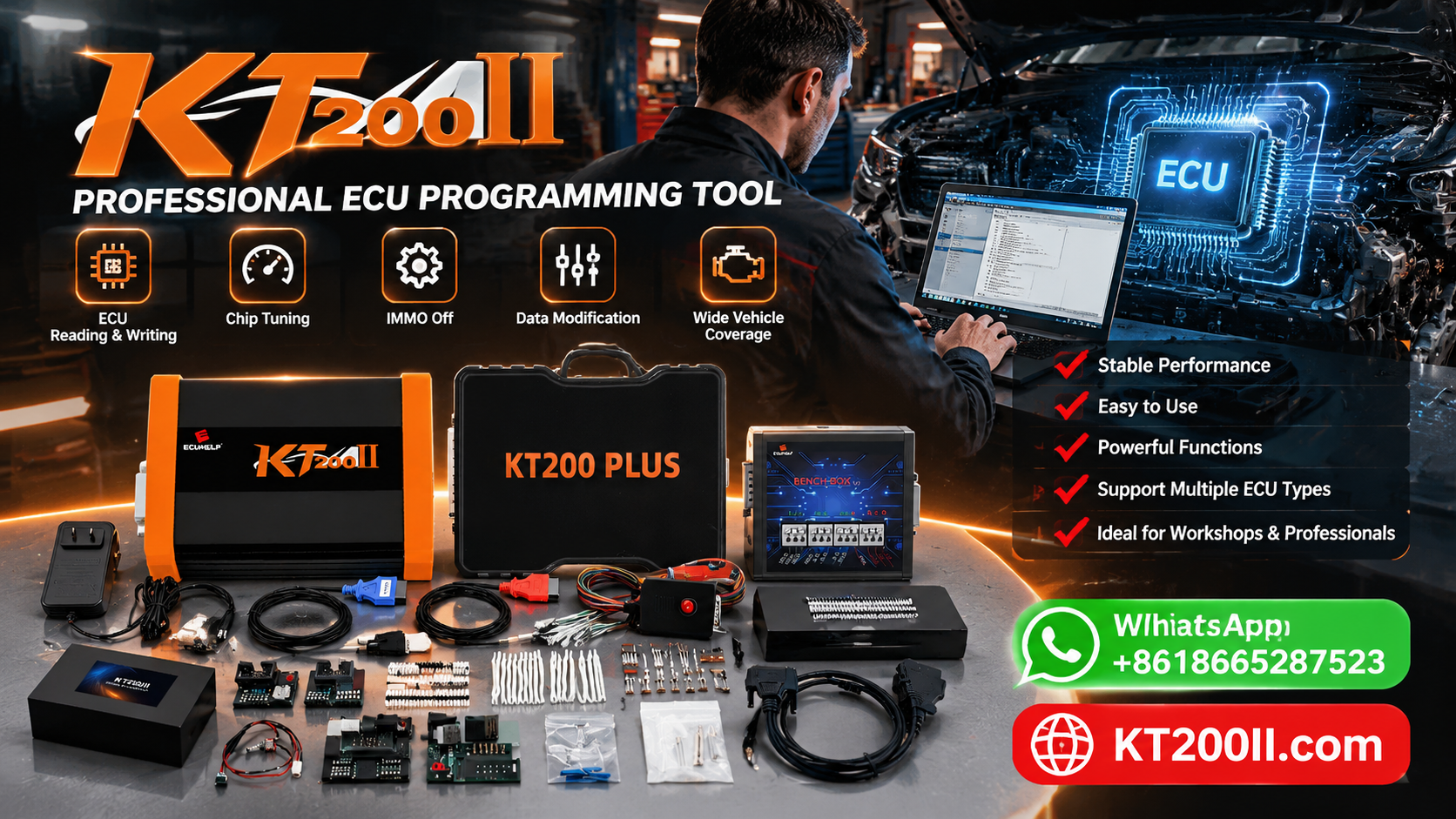
AutoEcuMaster provides automotive ECU and TCU programming equipment and technical resources for supported control units. Before performing firmware updates or calibration changes, confirm the exact ECU, available programming functions and file compatibility.
- KT200II ECU Protocol Selection Guide — review ECU identification and programming method selection.
- ECU Programming Power Supply Guide — understand electrical preparation and programming stability.
- ECU Data Backup and File Management Guide — learn how to preserve original data and organize programming files.
- ECU Adaptation and Relearn Guide — understand additional procedures that may be required after programming or replacement.
- AutoEcuMaster Support Center — access technical resources and compatibility assistance.
Supported functions depend on the target ECU, hardware revision, software version and programming method. Confirm the current support information before beginning any programming operation.
Conclusion
ECU firmware updates and remapping both involve changes to controller data, but they serve different purposes. Firmware updates install appropriate software revisions, while remapping modifies supported calibration parameters.
Before proceeding, identify the exact ECU, verify file compatibility and preserve original data wherever possible. Select a supported programming method and complete the appropriate post-programming checks.
A systematic approach helps technicians reduce avoidable programming errors, protect original data and make better decisions when updating or modifying automotive control units.
Professional safety notice: Use verified technical information and compatible programming equipment for the exact ECU. Do not write unverified software or calibration files. Follow applicable emissions and vehicle safety regulations, preserve original data where supported and verify the results before returning the vehicle to service.