TCU Programming Explained: A Professional Guide for Automotive Technicians
Modern vehicles use electronic control systems not only for engine management but also for transmission operation. The Transmission Control Unit (TCU) controls gear shifting, torque management, clutch operation and communication with other vehicle modules.
As automatic transmissions become more advanced, TCU programming has become an important part of professional automotive repair and electronic service.
A successful TCU programming operation requires accurate identification, correct communication method selection, original data protection and careful verification.
What Is TCU Programming?
TCU programming is the process of reading, writing, updating or transferring data inside a transmission control module.
Depending on the vehicle system and TCU type, technicians may perform operations such as software update, module replacement, data transfer or repair-related programming.
| TCU Operation | Purpose |
|---|---|
| Read | Obtain original TCU data before operation |
| Write | Transfer approved data into the module |
| Backup | Protect original transmission information |
| Clone | Transfer required data to replacement TCU |
Why TCU Programming Requires Professional Preparation
Transmission systems are closely connected with engine management, vehicle communication networks and safety functions.
Incorrect programming may cause shifting problems, communication errors or abnormal vehicle behavior.
| Preparation Step | Purpose |
|---|---|
| Identify TCU | Confirm controller version |
| Check Compatibility | Select supported procedure |
| Create Backup | Protect original data |
| Select Programming Mode | Ensure stable communication |
Step 1: Identify the TCU Information
Before programming, technicians should collect complete TCU information.
- Vehicle model
- Transmission type
- TCU manufacturer
- Hardware number
- Software version
- Processor information when required
The same transmission family may contain different TCU versions depending on vehicle configuration and production year.
Step 2: Check TCU Compatibility
Compatibility checking is one of the most important steps before programming.
| Check Item | Reason |
|---|---|
| TCU Model | Confirm supported controller |
| Software Version | Avoid incorrect data transfer |
| Communication Protocol | Select proper connection method |
| Programming Function | Confirm available operations |
Technicians should verify supported vehicle and controller information before starting any TCU programming operation.
Check KT200II Supported ECU and TCU List
Step 3: Select the Correct Communication Mode
Different transmission controllers require different access methods.
| Mode | Application |
|---|---|
| OBD | Programming through vehicle diagnostic connector |
| Bench | Direct connection outside vehicle |
| Boot | Low-level access for supported controllers |
| JTAG | Processor-level communication |
The correct programming mode depends on the exact TCU architecture and supported protocol.
Learn More About KT200II Operation Modes
Step 4: Create Original TCU Backup
Before writing new data, technicians should save the original TCU information whenever possible.
| Backup Data | Purpose |
|---|---|
| Original Software Data | Recovery and comparison |
| Configuration Information | Maintain vehicle compatibility |
| Identification Data | Keep repair records |
Common TCU Programming Mistakes
| Mistake | Possible Result |
|---|---|
| Wrong TCU selection | Communication failure |
| No original backup | Difficult recovery process |
| Incorrect connection | Interrupted programming |
| Unstable voltage | Incomplete data writing |
Software Updates and TCU Support
Vehicle transmission systems continue to evolve with new hardware and software platforms.
Keeping programming software updated helps technicians improve compatibility and support additional applications.
Access KT200II Software Resources
Professional ECU and TCU Programming Solution
A professional programming workflow requires reliable hardware, accurate compatibility information and suitable communication methods.
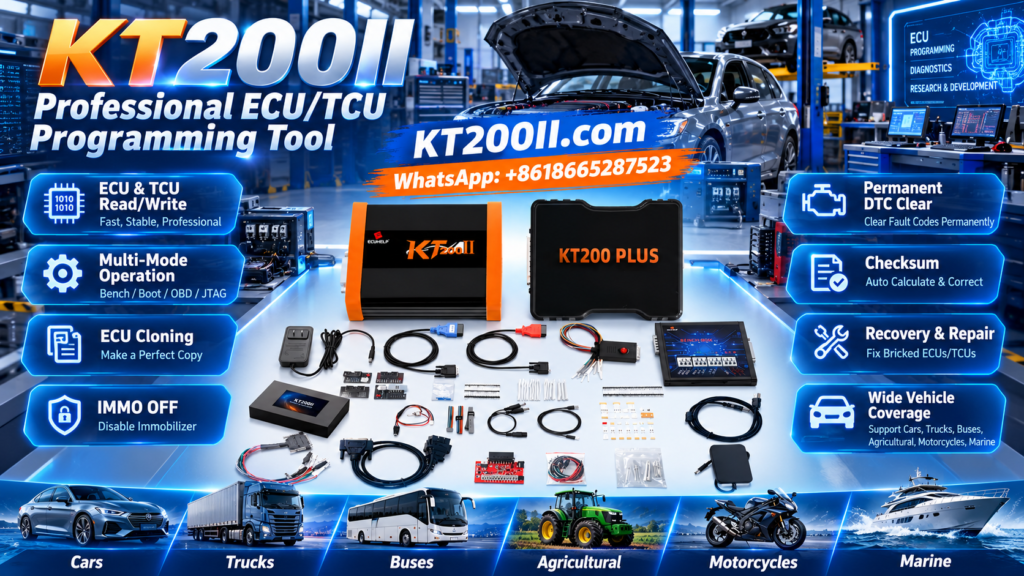
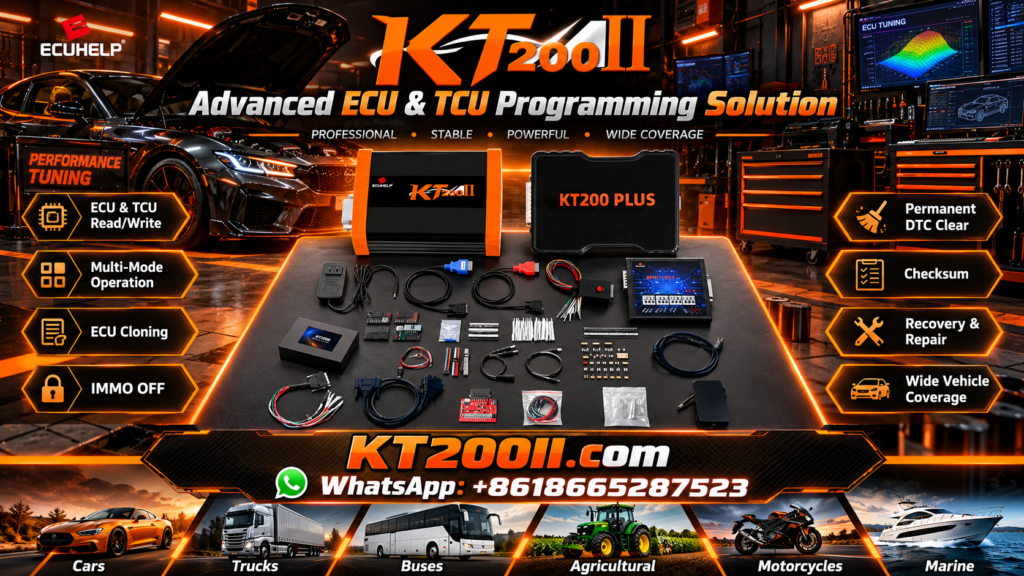
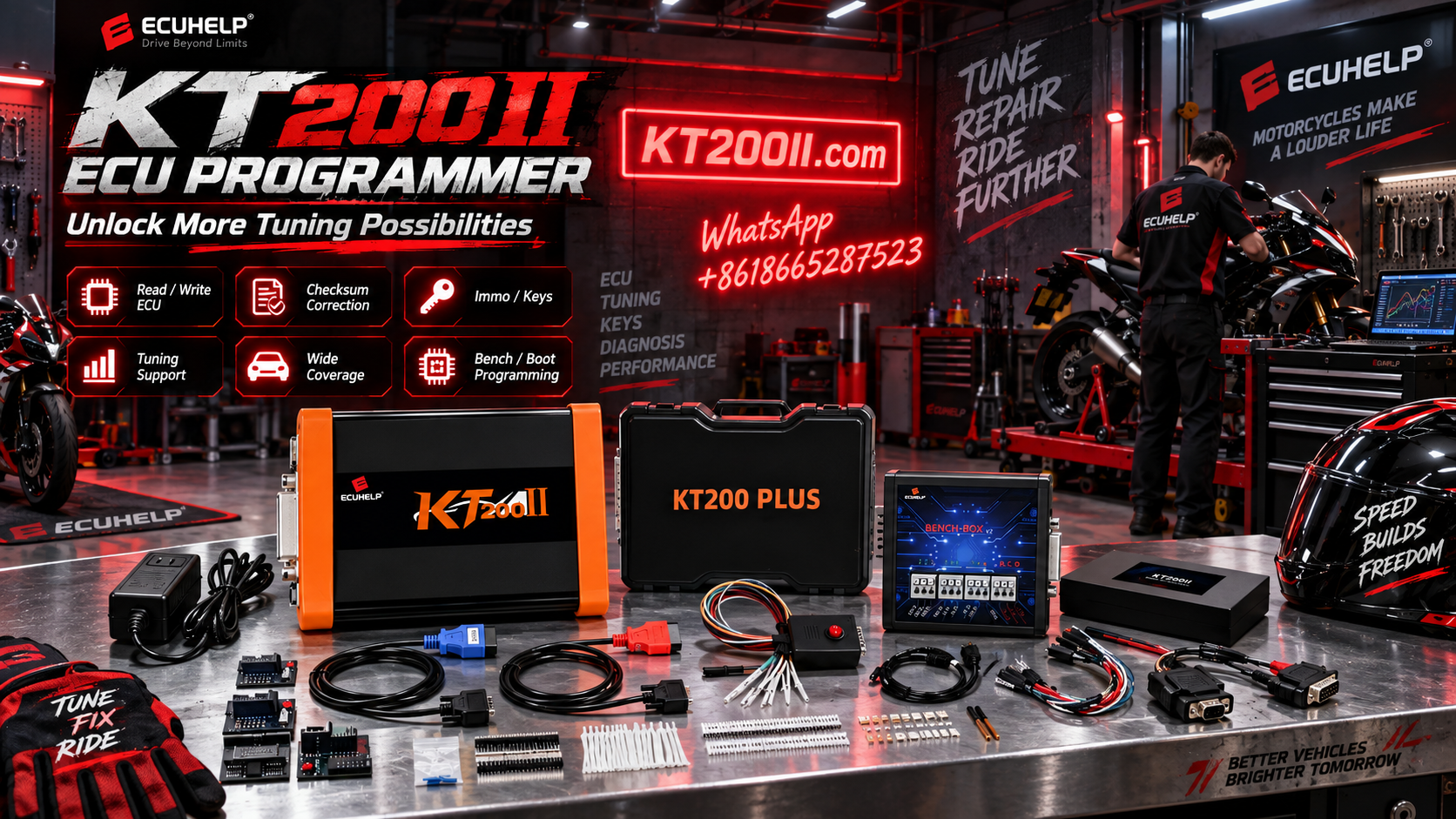
KT200II provides ECU and TCU programming support with multiple operation modes and technical resources for professional automotive workshops.
Learn More About KT200II ECU & TCU Programmer
More Automotive Programming Guides
Technicians can access more ECU and TCU programming tutorials, technical explanations and workshop information through the official KT200II technical resources.
Conclusion
TCU programming is becoming an essential skill for modern automotive workshops.
By following a professional workflow including identification, compatibility verification, backup and correct communication selection, technicians can improve programming reliability and reduce unnecessary risks.