ECU Cloning Explained: Complete Workflow for Professional Automotive Repair
Modern vehicles rely on electronic control units (ECUs) to manage engine operation, transmission control, emissions systems and many other functions.
When an ECU becomes damaged or requires replacement, technicians often need to transfer important data from the original ECU to another compatible unit. This process is commonly known as ECU cloning.
A successful ECU cloning procedure requires accurate identification, complete data backup, correct compatibility checking and reliable programming operations.
What Is ECU Cloning?
ECU cloning is the process of transferring important ECU data from an original control unit to another ECU so that the replacement unit can operate correctly in the vehicle.
Depending on ECU design and supported functions, cloning may involve transferring data from areas such as Flash memory, EEPROM or other controller-specific storage locations.
| ECU Cloning Stage | Main Purpose |
|---|---|
| Original ECU Reading | Collect required ECU data before replacement |
| Data Backup | Protect original information |
| Replacement ECU Preparation | Ensure compatible hardware condition |
| Data Transfer | Write required information into replacement ECU |
| Verification | Confirm ECU communication and vehicle operation |
Why ECU Cloning Is Important in Modern Vehicle Repair
Replacing an ECU is not always as simple as installing another control unit. Many ECUs contain vehicle-specific information that must match the original system.
| Challenge | Why It Matters |
|---|---|
| Vehicle Security Data | Some ECU information is linked with vehicle systems |
| Calibration Data | Incorrect data may affect vehicle performance |
| Software Compatibility | Different ECU versions may not operate correctly |
| Hardware Differences | Similar ECU models may use different internal structures |
Step 1: Identify the Original ECU
Before performing ECU cloning, technicians should collect complete ECU information.
- Vehicle manufacturer and model
- Engine type
- ECU manufacturer
- Hardware number
- Software version
- Processor information when required
Correct ECU identification helps prevent incorrect data transfer between incompatible control units.
Check KT200II Supported ECU Compatibility
Step 2: Create a Complete ECU Backup
The original ECU data should always be saved before any cloning operation.
| Backup Item | Purpose |
|---|---|
| Original Flash Data | Preserve software and calibration information |
| EEPROM Data | Protect important configuration information |
| ECU Identification Data | Maintain repair records |
Step 3: Select the Correct Programming Method
Different ECUs require different communication methods depending on their architecture.
| Method | Application |
|---|---|
| OBD | Programming through vehicle diagnostic connector |
| Bench | Direct ECU connection outside vehicle |
| Boot | Low-level ECU access for supported controllers |
| JTAG | Processor-level programming for specific ECU families |
Selecting the correct operation mode is an important factor in successful ECU cloning.
Learn More About KT200II Operation Modes
Step 4: Transfer Data to Replacement ECU
After confirming compatibility, technicians can transfer required ECU information to the replacement unit.
During this process, stable communication and power supply are essential. Unexpected interruption during writing may cause incomplete data transfer.
ECU Cloning Safety Checklist
- Verify replacement ECU compatibility
- Keep original backup files unchanged
- Use stable power supply
- Confirm correct programming procedure
- Test ECU communication after completion
Common ECU Cloning Mistakes
| Mistake | Possible Result |
|---|---|
| Using incompatible ECU hardware | Programming failure or communication problems |
| No original backup | Difficult recovery process |
| Incorrect programming mode | Unable to read or write ECU data |
| Interrupted writing process | Incomplete ECU operation |
Professional ECU Programming Resources
A reliable ECU cloning workflow requires professional equipment, accurate compatibility information and updated software resources.
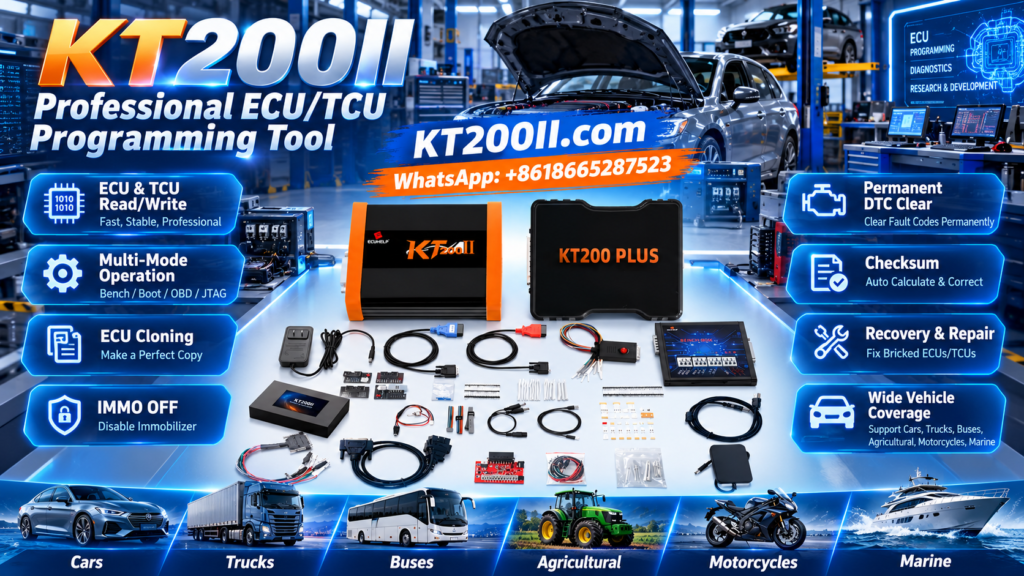
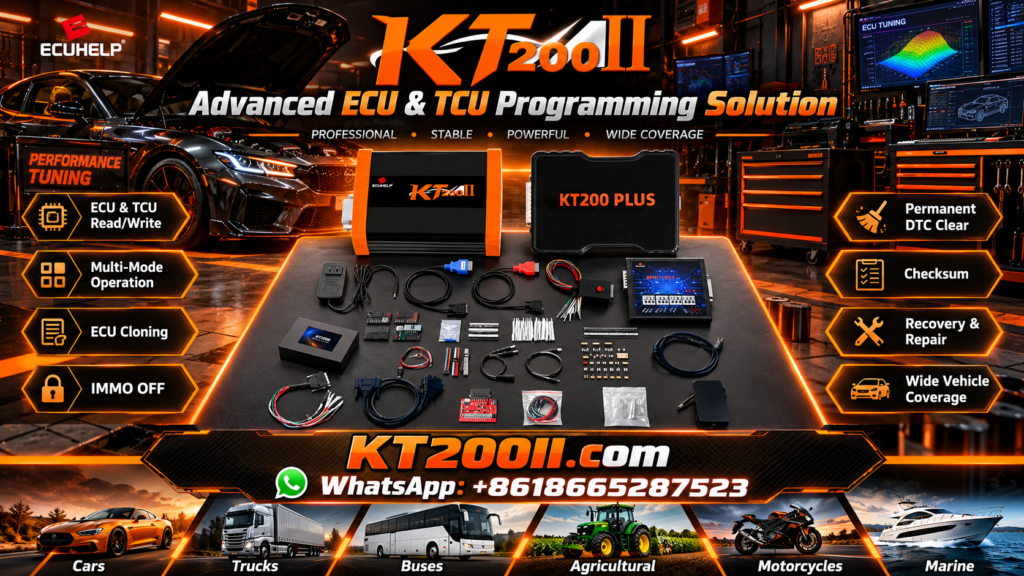
KT200II provides professional ECU programming support with multiple operation modes, software resources and compatibility information for automotive workshops.
Learn More About KT200II ECU Programmer
Keeping programming software updated helps technicians work with new ECU platforms and vehicle applications.
Access KT200II Software Resources
More ECU Programming Knowledge
For additional ECU programming tutorials, technical explanations and workshop guides, technicians can visit the official KT200II knowledge resources.
Conclusion
ECU cloning is an important skill in modern automotive electronic repair. Successful cloning depends on accurate ECU identification, complete data backup, correct programming method selection and careful verification.
By following a professional workflow, technicians can improve repair efficiency and reduce risks during ECU replacement and recovery operations.