ECU Diagnostics and Programming Workflow: A Guide for Modern Automotive Workshops
Modern vehicles rely heavily on electronic control units (ECUs) to manage engine operation, transmission systems, emissions control and many other vehicle functions.
As vehicle electronics become more complex, automotive workshops need a structured workflow for ECU diagnostics and programming. A professional process helps technicians identify problems accurately, select the correct communication method and complete programming operations safely.
This guide explains the typical ECU diagnostic and programming workflow used by modern automotive technicians.
Why ECU Diagnostics Has Become Essential in Modern Repair
Traditional mechanical inspection is no longer enough for many vehicle problems. Modern ECUs continuously collect sensor information and control multiple vehicle systems through electronic communication networks.
| Traditional Repair | Modern ECU-Based Repair |
|---|---|
| Mechanical inspection | Electronic data analysis and diagnostics |
| Manual adjustment | Software-based calibration and programming |
| Component replacement | Data verification before replacement |
| Basic testing | Real-time ECU communication analysis |
Step 1: Vehicle Information Collection
Before performing ECU diagnostics, technicians should collect complete vehicle information.
- Vehicle brand and model
- Production year
- Engine specification
- ECU manufacturer
- ECU hardware and software information
Accurate vehicle information helps avoid selecting an incorrect diagnostic or programming procedure.
Step 2: ECU Identification and Compatibility Verification
Different ECU versions may exist within the same vehicle model. Hardware revisions, software versions and processors can affect available programming functions.
| ECU Information | Purpose |
|---|---|
| Hardware Number | Identifies ECU physical version |
| Software Number | Confirms calibration and software compatibility |
| ECU Manufacturer | Determines communication requirements |
| Processor Type | Helps select appropriate programming method |
Before ECU programming, technicians should always confirm compatibility information through a reliable ECU database.
Check KT200II Supported ECU List
Step 3: Select the Correct ECU Communication Method
Different ECU architectures require different programming approaches. Selecting the correct method is an important part of the workflow.
| Programming Method | Typical Application |
|---|---|
| OBD | Programming through vehicle diagnostic connector |
| Bench | Direct ECU connection outside vehicle |
| Boot | Low-level access for specific ECU controllers |
| JTAG | Processor-level communication for supported ECUs |
Professional technicians should select the method according to ECU information rather than using the same method for every vehicle.
Explore KT200II Operation Modes
Step 4: Backup Original ECU Data
Before modifying ECU data or performing programming operations, creating an original backup is an important safety step.
| Backup Item | Recommended Action |
|---|---|
| Original ECU File | Save and store separately before modification |
| Vehicle Information | Record VIN and ECU details |
| Programming History | Keep records for future maintenance |
| Modified Files | Use clear version management |
Step 5: ECU Read and Write Operation
After confirming ECU information and creating backups, technicians can perform ECU reading or writing operations.
During programming, stable communication and power supply are critical factors. Unexpected interruption during writing may affect ECU operation.
Programming Safety Checklist
- Confirm correct ECU protocol
- Verify original backup file
- Check communication connection
- Maintain stable power supply
- Verify programming result after completion
Step 6: Software and Database Updates
Vehicle manufacturers continue introducing new ECU platforms and software versions. Professional technicians need updated programming resources to support newer applications.
Keeping ECU programming software updated can improve compatibility and provide access to additional supported vehicle information.
Access KT200II Software Resources
How Professional ECU Tools Improve Workshop Efficiency
A professional ECU programming solution combines hardware capability, software support and compatibility information.
| Requirement | Workshop Benefit |
|---|---|
| Multiple programming modes | Supports different ECU architectures |
| Updated software resources | Improves vehicle coverage |
| ECU compatibility database | Reduces incorrect operation risks |
| Technical documentation | Improves technician efficiency |
KT200II Professional ECU Programming Solution
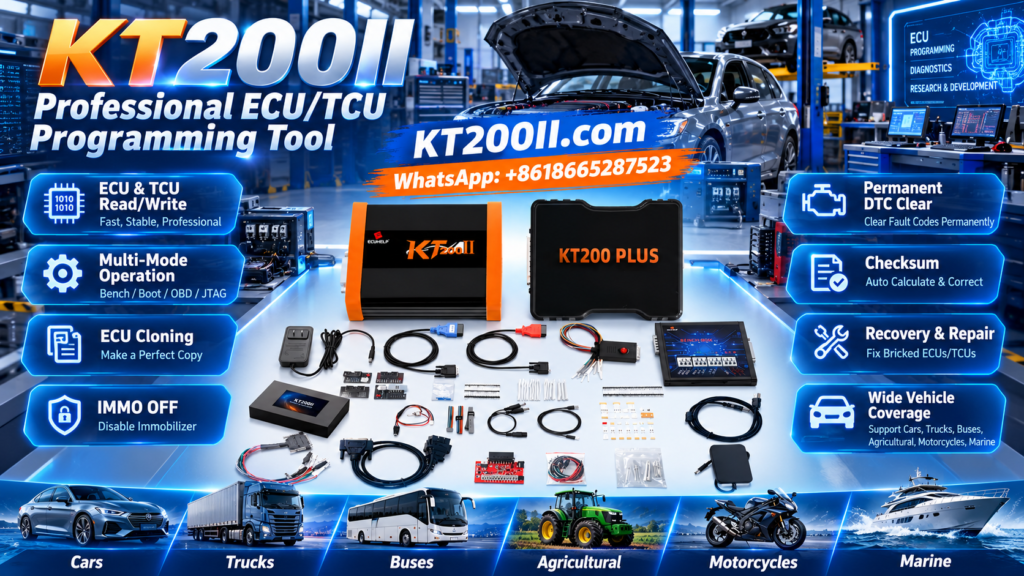
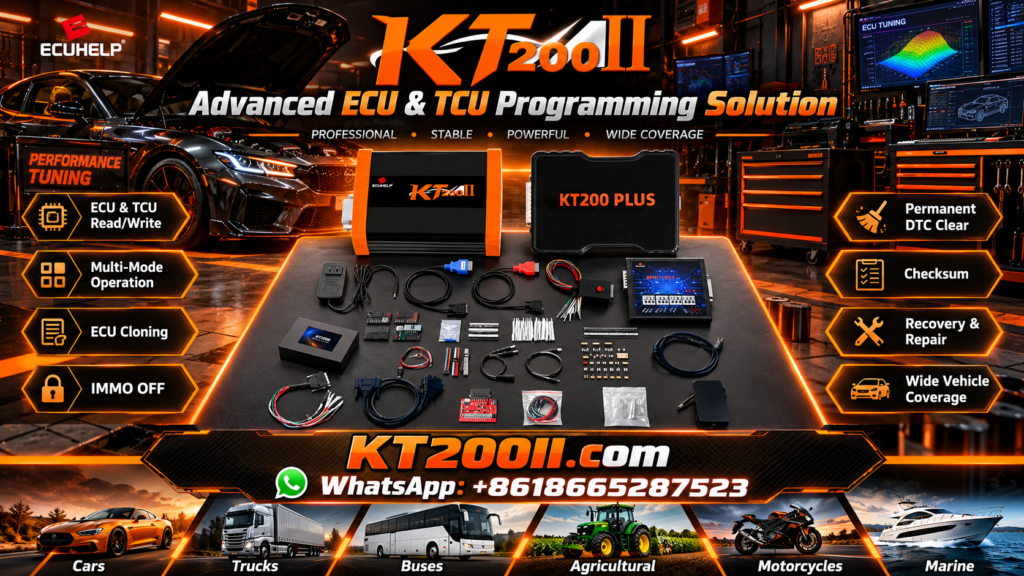
For automotive workshops performing ECU diagnostics, reading, writing and recovery operations, KT200II provides a professional platform with multiple programming methods and technical resources.
Learn More About KT200II ECU Programmer
Technicians can also access additional ECU programming guides and technical information through the official KT200II blog.
Conclusion
A successful ECU programming operation depends on a complete workflow, including vehicle identification, ECU verification, compatibility checking, backup preparation and correct programming method selection.
By following a professional diagnostic and programming process, automotive workshops can improve repair efficiency and reduce unnecessary programming risks.